Help topics
What Myrlin Forge is, and your first five minutes
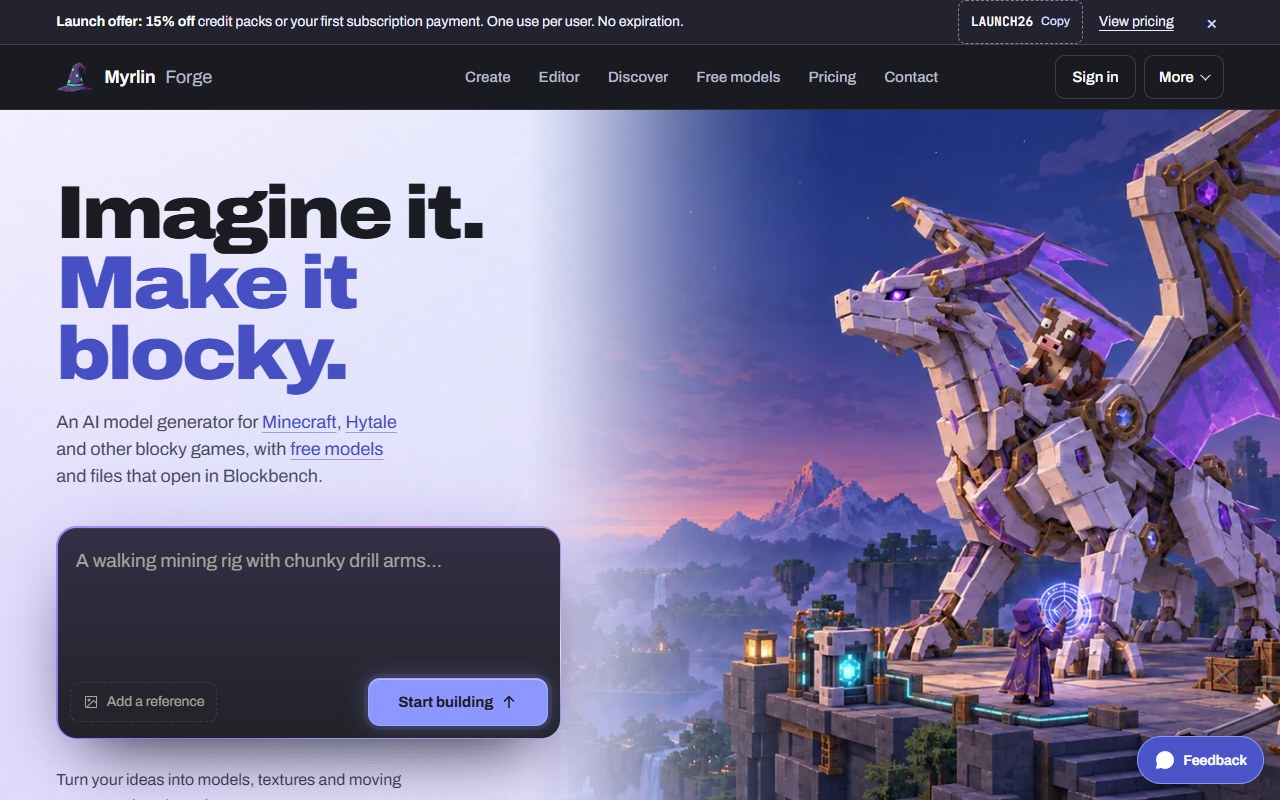
Myrlin Forge (forge.myrlin.io) makes blocky 3D models for Hytale and Minecraft from a sentence or a picture. You describe a thing ("a steam train engine with a brass boiler"), Forge builds it with named parts and a painted texture in about 20 to 25 minutes, and you download it as a Hytale pack, a Minecraft pack or mod, or a Blockbench file you can keep editing.
You can also pick up free models made by Myrlin, look at what other players made, add animations and effects to your models, fix things by hand in the Editor, and let an AI app such as Claude or ChatGPT use your models for you.
 (opens the full picture in a new tab)
What you can do without an account
Look at every page: the home page, Discover (every public model), Free models (Myrlin's free Archive), Pricing and the Guides.
Spin any model in 3D and read what its download holds.
Type a description in Create and add a reference picture. Forge keeps what you typed while you sign up.
Watch Forge's recorded build of the Rock Titan (home page, "See it take shape", or Watch a build and use the result page).
Download the mining mech example from the home page (its model file and texture), and try the Editor with its demo.
Everything that builds, downloads a model, or buys something asks you to make a free account first.
Your first model
Make a free account: Make an account and sign in. New accounts get 35 free credits, enough for 2 models.
Open Create and describe your model: Make a model from a description, or start from a picture: Make a model from a picture (reference pictures).
Check the price (15 credits) and confirm. You can close the tab while it builds.
When it is done, download it for your game: Downloads: which one to pick, then Put your model in Hytale (the drop-in pack) or Put your model in Minecraft Java.
Finding your way around
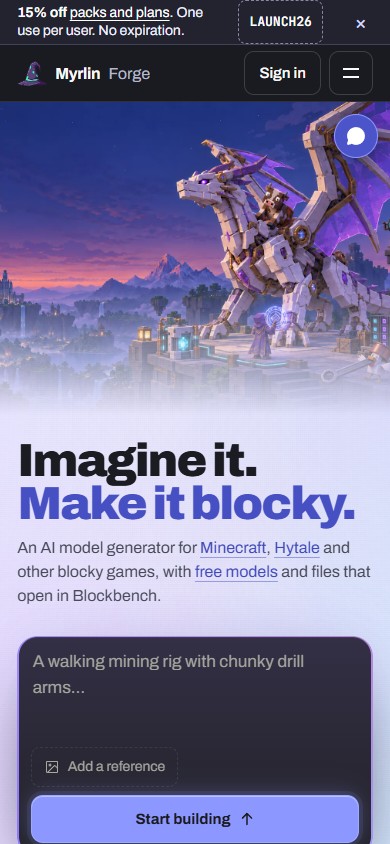
On a desk, the home page has a bar along the top. Every other page has a rail down the left side: Create, Editor, My assets, Discover, Free models, Pricing, and at the bottom Help, Settings, Sign in and the Light, Dark or System look.
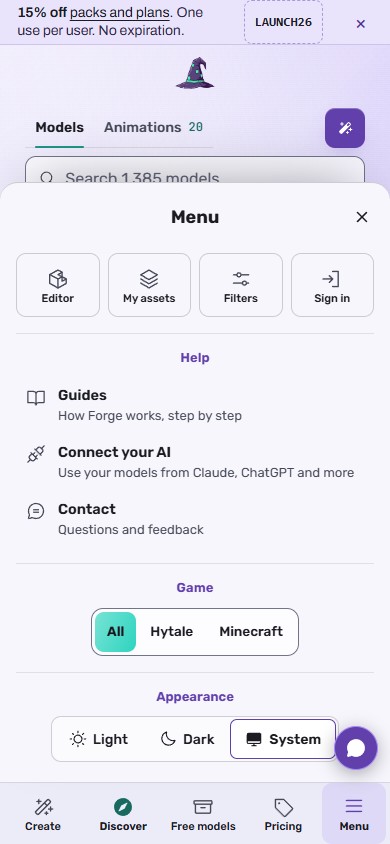
On a phone, a bar along the bottom has Create, Discover, Free models, Pricing and Menu. Menu holds the Editor, My assets, Sign in, the Guides, Connect your AI and Contact.
 (opens the full picture in a new tab)
 (opens the full picture in a new tab)
The Feedback button, bottom right on every page, sends a note to the Myrlin team.
What it costs
Looking, searching and the 3D views are free. A new model is 15 credits. New accounts start with 35 credits. Free models from the Archive cost no credits (you need an account, and free accounts get a set number a week). Models made by other members cost 6 credits and need a Creator plan or higher. See Credits, packs and plans (Pricing and Billing).
If it does not work
A button says "Sign up to ..." or "Sign in to ...": that action needs an account. See Make an account and sign in.
A page looks empty for a moment: the sign-in check is still loading. Wait a few seconds or reload.
Anything else: Get help, give feedback, or ask for custom work.
Still stuck? Contact support