Help topics
Fix a model by hand in the Editor
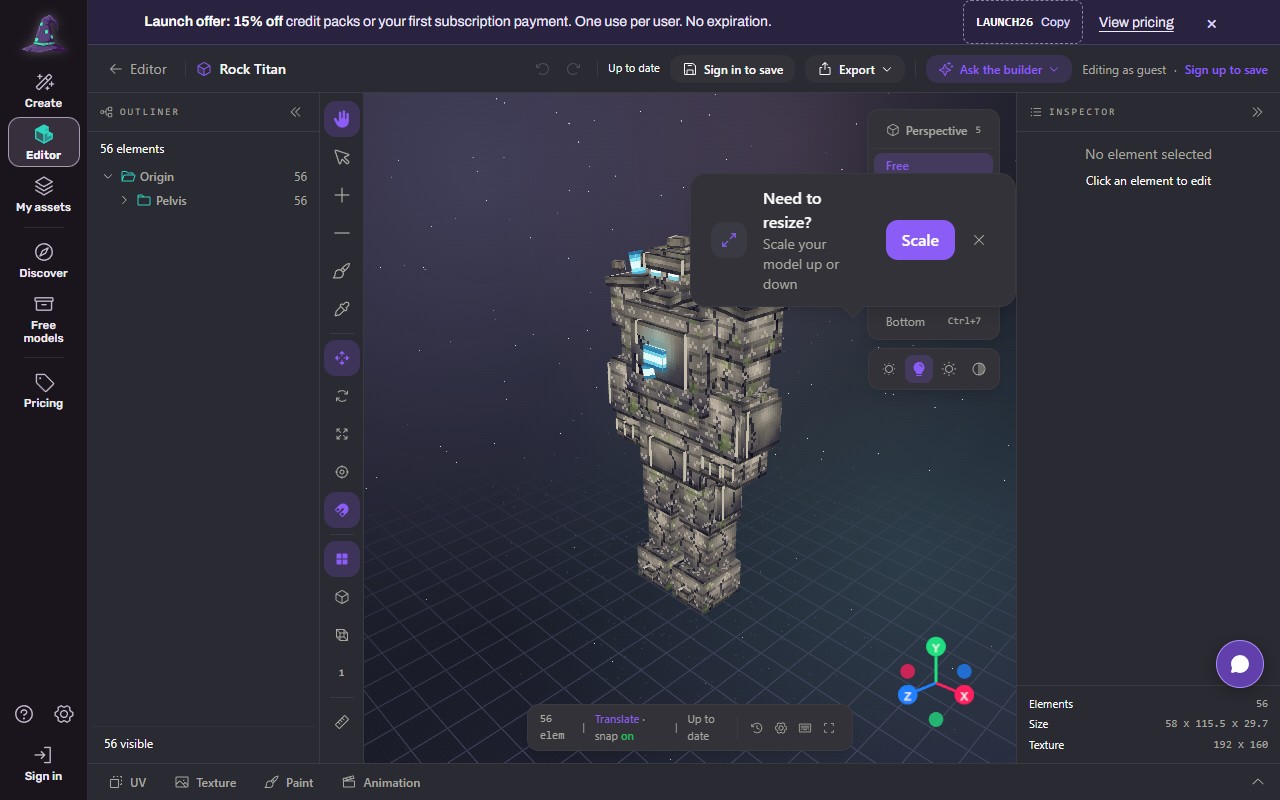
The Editor is a block model editor in your browser. Open one of your models, a file from your computer, a blank model or a demo, then move, add, remove and paint boxes, adjust the texture and play animations.
 (opens the full picture in a new tab)
Steps
Open Editor in the left rail (on a phone: Menu, Editor).
Choose how to start:
Blank model: start from an empty model;
Upload File: a .blockymodel, .json or .zip from your computer (or drag one anywhere on the page);
Open a demo: the Rock Titan, clips included;
from My assets, select a model and press Edit in the Editor.
Edit with the tools on the left: Select (V), Move (M), Add box (A), Remove (X), Paint face (P), Eyedropper (I), and the move, rotate, scale and pivot modes (G, R, S, O). Press ? for every shortcut.
Look around with the view buttons (Front 1, Right 3, Top 7, Perspective 5), the light presets, grid, bounds and wireframe.
The dock at the bottom has UV, Texture, Paint and Animation.
Undo (Ctrl+Z) and Redo (Ctrl+Y) are at the top.
Save or export:
Save (needs an account) keeps your work. For one of your Forge models it writes a new version in the model's history.
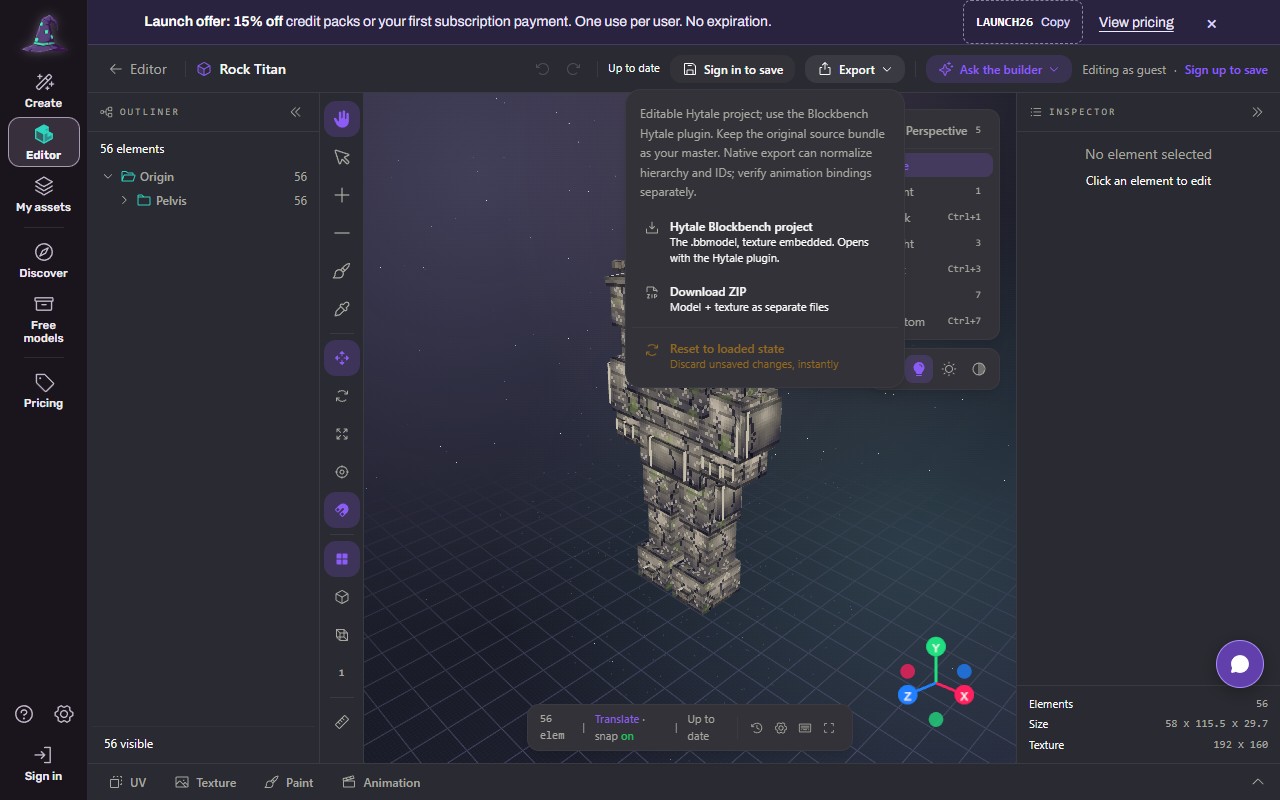
Export opens two choices: Hytale Blockbench project (one .bbmodel with the texture inside, opens with the Blockbench Hytale plugin) and Download ZIP (the .bbmodel, texture.png and a README as separate files).
 (opens the full picture in a new tab)
Ask the builder asks Forge to make a change for you (it shows a price first).
Without an account
You can edit and download once a day; the count is kept in your browser. Sign up to save keeps your work and removes the daily download limit.
On a phone
The Editor works best on a desk. On a phone the panels fold away; use Hide outliner and Hide inspector to make room.
What it costs
Editing by hand is free. Saves a day: Free 10, Creator 30, Pro 60, Max 100. Ask the builder and edits made by Forge show their price before you confirm.
If it does not work
"Sign in to save"
Saving needs an account.
The daily download is used up (signed out)
Sign up, or wait until tomorrow.
Your file does not open
Use a .blockymodel, a .json model or a .zip with the model and texture. Blockbench .bbmodel files open in Blockbench (Open and edit your model in Blockbench).
You hit the daily save limit
It resets each day; a plan raises it.
Reset to loaded state
In the Export menu throws away unsaved changes, instantly.
Still stuck? Contact support