Help topics
Make an account and sign in
You need a free account to build, download or buy. It takes a minute and needs no card.
Make an account
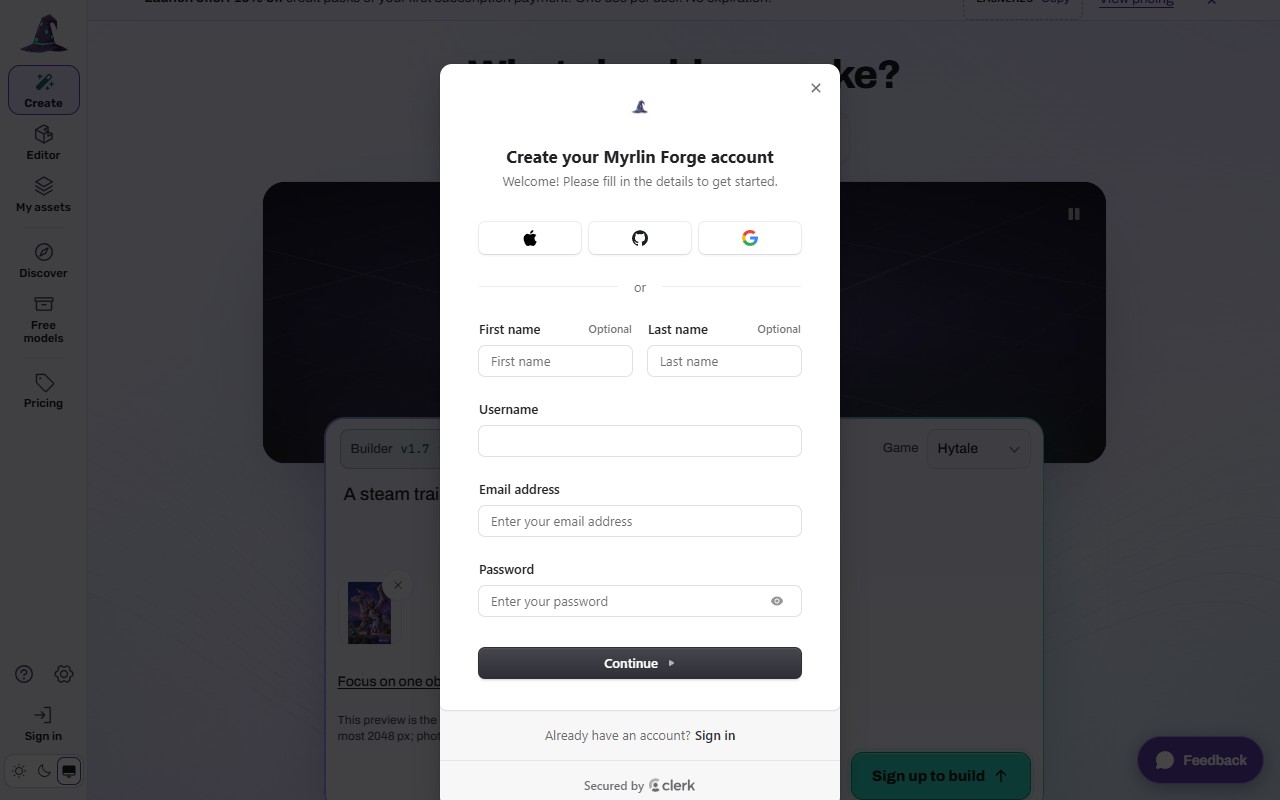
Press any button that says Sign up, for example Sign up to build in Create, or go to forge.myrlin.io/sign-up. A card opens: "Create your Myrlin Forge account".
 (opens the full picture in a new tab)
Choose Apple, GitHub or Google at the top, or fill in first name, last name, a username, your email and a password, then press Continue.
Follow the email check if Forge sends one.
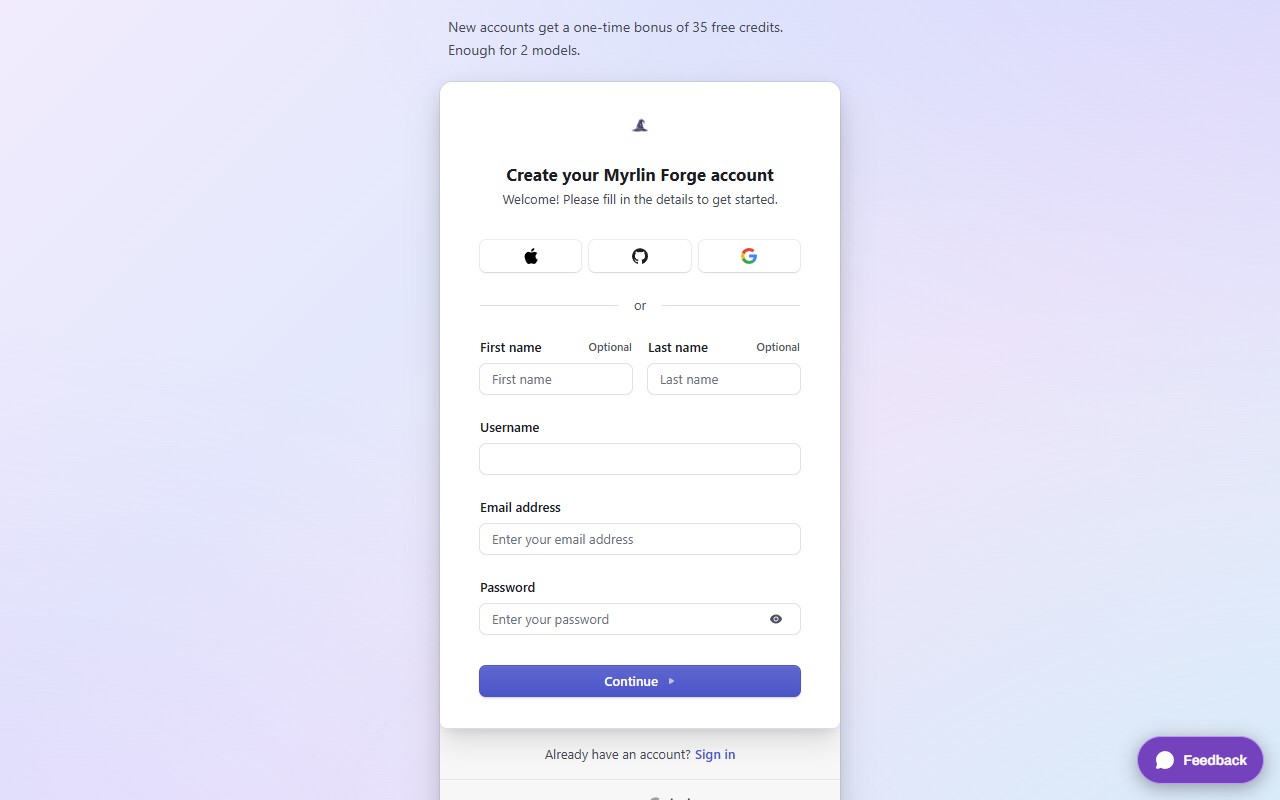
You come back to the page you were on, with what you typed still there. Your 35 welcome credits are in your balance (the rail on the left shows your credits once you are signed in).
 (opens the full picture in a new tab)
Sign in
Press Sign in (top right on the home page, bottom of the left rail on other pages, or in Menu on a phone).
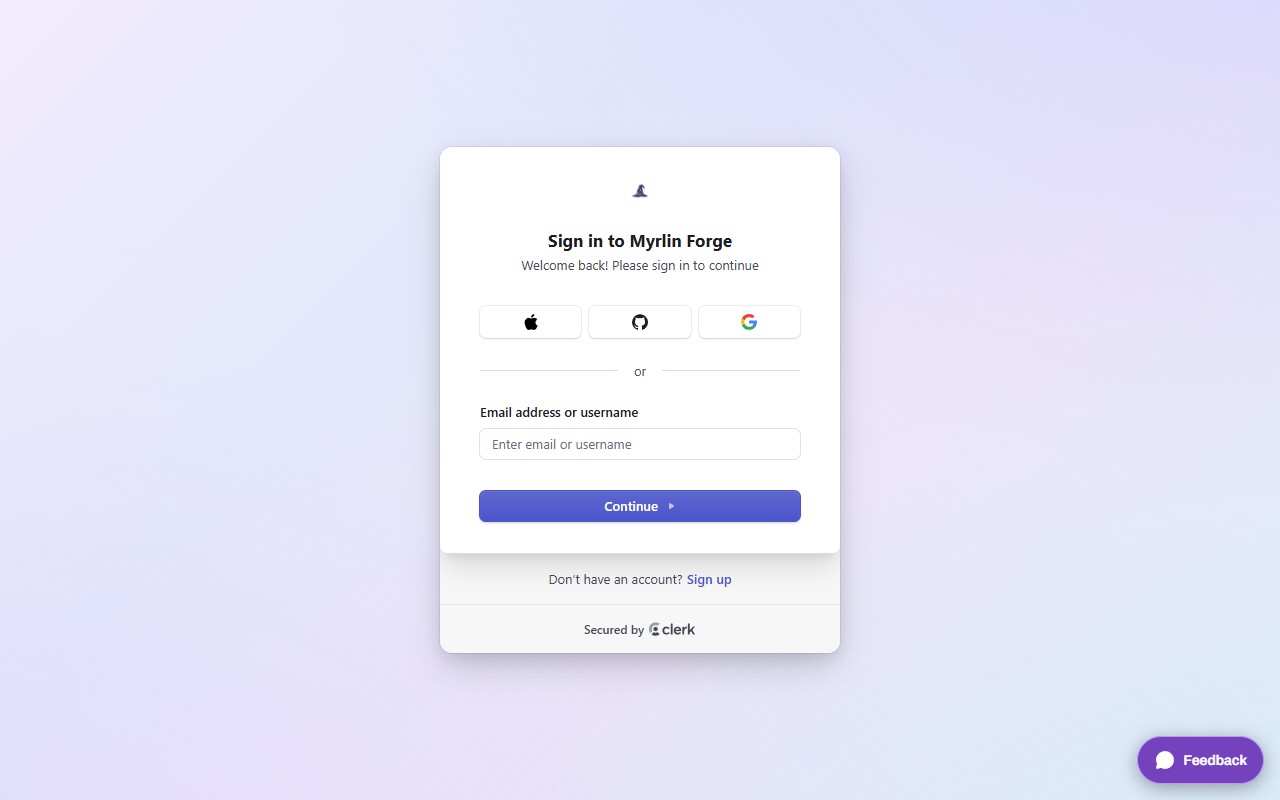
Choose Apple, GitHub or Google, or type your email or username and press Continue, then your password.
 (opens the full picture in a new tab)
When a page needs an account (My assets, Settings, a download), Forge sends you to the sign-in card and back to that page after. Buttons on model pages say Sign up or sign in to download: either card works, and Sign up and Sign in under each card switch between them.
On a phone
The same cards fill the screen. Sign in is inside Menu on the bottom bar.
What it costs
Nothing. A new account gets a one-time bonus of 35 credits. If the site says some of them unlock after a day, that is the welcome hold: they arrive on their own after 24 hours, and buying credits does not speed it up. Credits you buy work at once.
If it does not work
You are on the sign-in card but have no account
Press Sign up under the card. You stay on forge.myrlin.io and come back to the page you started from after signing up. The sign-up card has a Sign in link the same way.
No email arrived
Look in spam, then try again or use Apple, GitHub or Google.
You are signed in but the page still says Sign in
Reload the page.
Still stuck? Contact support