Help topics
Build from your own code: API keys and batch builds
For programmers. There are two APIs. The generation API (/v1) starts one build at a time with a plain API key, on every account. The batch (pipeline) API builds whole sets of files from a manifest and needs a key with pipeline permissions; starting a batch needs a plan.
Make an API key
Open Settings, API keys.
Type a name and press Create key. The key is shown once with Copy; save it, then press "I've saved my key".
You can hold up to 5 keys. Revoke stops a key at once.
Keep keys on your server, never in a web page or a game client.
Generation API (one build)
Origin https://api.myrlin.io, key in the X-API-Key header.
GET /v1/balance: your balance andcost_per_generation(15).POST /v1/generatewith a JSON body:prompt(3 to 500 characters),workflow(text_to_3d, orimage_to_3dwithreference_image_base64, a PNG, JPEG or WebP),stylehytale,output_formatblockymodelorboth. Keep the returned id.Poll
GET /v1/generations/{id}with backoff until the status iscompleteorfailed. Then downloadblockymodel_url,texture_urlandthumbnail_url(signed for 24 hours).GET /v1/usageandGET /v1/usage/statsshow this key's requests.
The API builds Hytale models. For Minecraft, build in Create and choose the Minecraft download. Full reference: forge.myrlin.io/docs/api.
Batch builds (pipeline API)
Batches run under https://api.myrlin.io/api/pipeline/v1: you send a manifest (the files you want), get a quote, approve it, and download one ZIP with a result.json. Creator runs 3 batches at once, Pro 8, Max 20; a Free account can read, quote and lint but not start a batch.
A batch needs a pipeline key (a key with pipeline permissions). A plain key from the form above is refused with 403 no_pipeline_grant. Make a pipeline key like this:
Open Settings, API keys, and find the Pipeline keys panel under the plain key form.
Press New pipeline key and pick a preset: Mod Works (everything, for one project), Read only (look at projects, batches and results), Submit only (upload, check, price and submit, then read results; for a build job), or Custom (pick each permission; choose this if your script must also create projects).
Optional: bind it to one project, set the credit limits (Blank means 0: free work only; set a daily and a per-batch limit to run priced work), an expiry and the addresses it may be used from.
Create it. The key is shown once; copy it. You can rotate a key (the old one keeps working for 24 hours), change its limits, read its audit trail, or revoke it in the same panel.
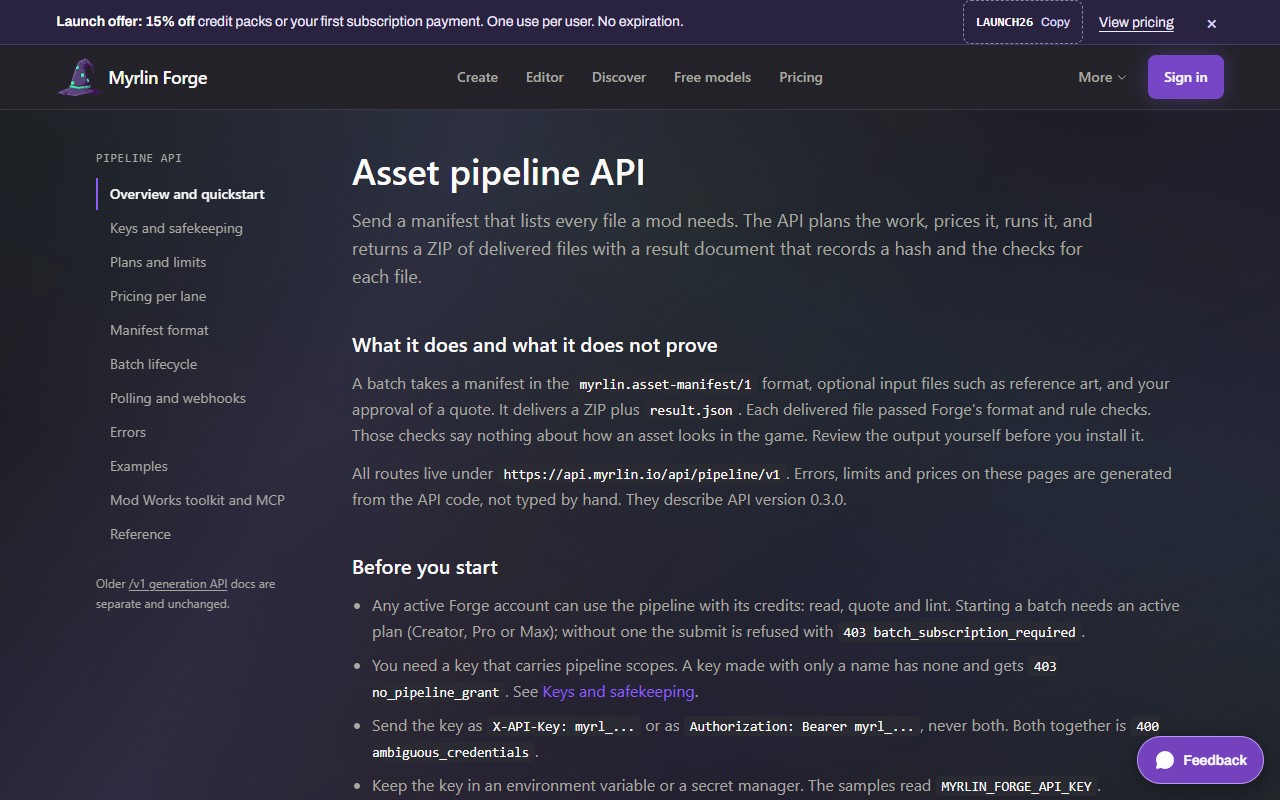
The batch guide is at forge.myrlin.io/docs/pipeline: a five-step quickstart from a key to a ZIP, the manifest format, the batch lifecycle, polling, errors, examples in curl and Python, plans and limits, pricing per lane, and the full route reference.
 (opens the full picture in a new tab)
What it costs
A key is free on every account. A build through /v1 costs the same as in Create (15 credits) and is refunded if it fails. In a batch, copied, emitted and rule-based files are free; a generated model is 15 credits. Batch builds at once come with a plan.
If it does not work
401
missing_api_keySend the key in
X-API-Key.401
invalid_api_key_formatKeys start with
myrl_; copy the whole key.402
Not enough credits; see Credits, packs and plans (Pricing and Billing).
429
rate_limit_exceeded(per key: 10 builds a minute, 100 an hour, 1,000 a day) or
queue_full: wait for the time inRetry-Afterorretry_after_minutes.503
studio_maintenanceForge is paused; retry after
Retry-After.422
The request asks for something the API does not do (for example
output_formatglb); nothing was charged.Do not resend a paid build automatically when an answer is unclear; read its status first.
Still stuck? Contact support