Help topics
Add an animation or an effect to a model
Forge adds animation clips (a walk, a slam, a spinning rotor) and particle effects (frost vapour, a glow, sparks) to a model you have saved. Every model already has named parts, so you can also animate it yourself in Blockbench.
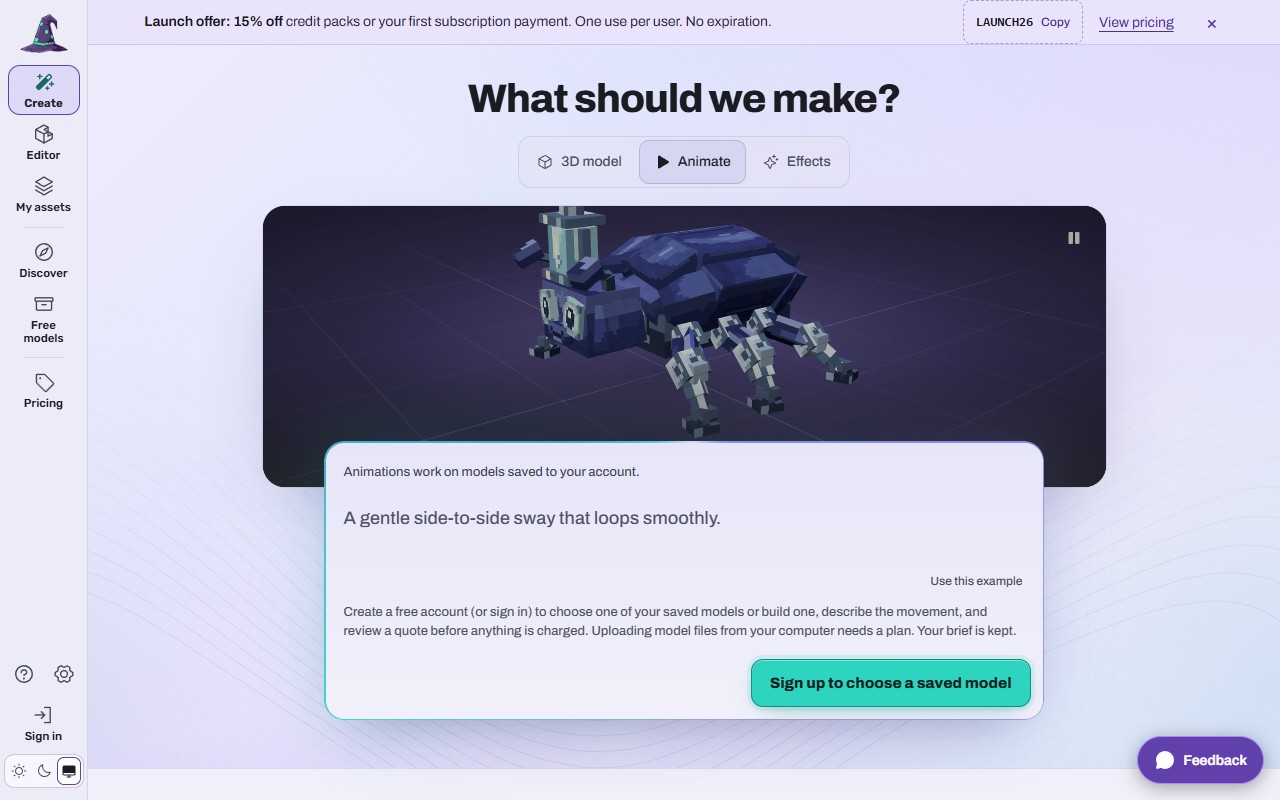 (opens the full picture in a new tab)
Steps
Open Create and choose the Animate tab (or Effects). Or in My assets select a model and press + Add animation or + Add effect; that opens the same tab with the model chosen.
Pick one of your saved models.
Describe the movement ("A gentle side-to-side sway that loops smoothly") or the effect ("A frosty glow with snow drifting off the blade while held"). Use this example fills in a sample.
Review the quote and confirm. Nothing is charged before that.
When it is done the clip or effect is saved on a new version of the model. Play it in My assets under Animations & effects.
Signed out, the tab shows what it does and a Sign up to choose a saved model button. Your description is kept.
Where animations and effects work
Hytale pack: every saved clip, and effects converted for Hytale. The README says how each one plays and which are not connected yet.
Minecraft: the data pack plays the animations without mods; a mod plays them too. Effects come as source files, because Minecraft has no particle player for them yet.
All files ZIP: clips in Animations/ (.blockyanim) and effects in Effects/.
GLB, OBJ and the other 3D formats are still models.
You can see three examples on the home page under "Animations & effects" (Rotor spin, Mech walk, Flowing frost), and 20 more in Discover with Animations and effects.
What it costs
The price, in credits, shows on the quote before you confirm, and the quote is what you pay. Nothing is charged before you confirm, and a failed job gives its credits back. (Signed out the page cannot quote, because the price depends on the model.)
If it does not work
There is no model to pick
You need a saved model first; build one or add one from Free models. Uploading a model file from your computer needs a plan (Upload your own model files (plan holders)).
The animation does not play in Hytale
Only connected clips play, some after up to 20 seconds; check you downloaded the version that holds it.
The effect is missing in Minecraft
Effects are not playable in Minecraft yet; they come as source files.
Still stuck? Contact support