 Myrlin
Imagine it.Make it blocky.
Turn your ideas into models, textures and moving parts. Start with a prompt or an image.

- Models built
- 1200+
- Creators
- 300+
- Downloads
- 3400+
Formats and export workflows.
- BlockbenchEditable .bbmodel
- Hytale.blockymodel sources
- Minecraft JavaResource packs
- PNGPainted textures
- GeckoLib 5Entity assets
- .blockyanimAnimation clips
- ItemsAdder 4Item & furniture files
- ModelEngine 4Animated blueprints
- Fabric · NeoForge · ForgeMod asset sources
What will you make?
Give that next mod a creature, a machine, or something a little ridiculous.


Animations & effects
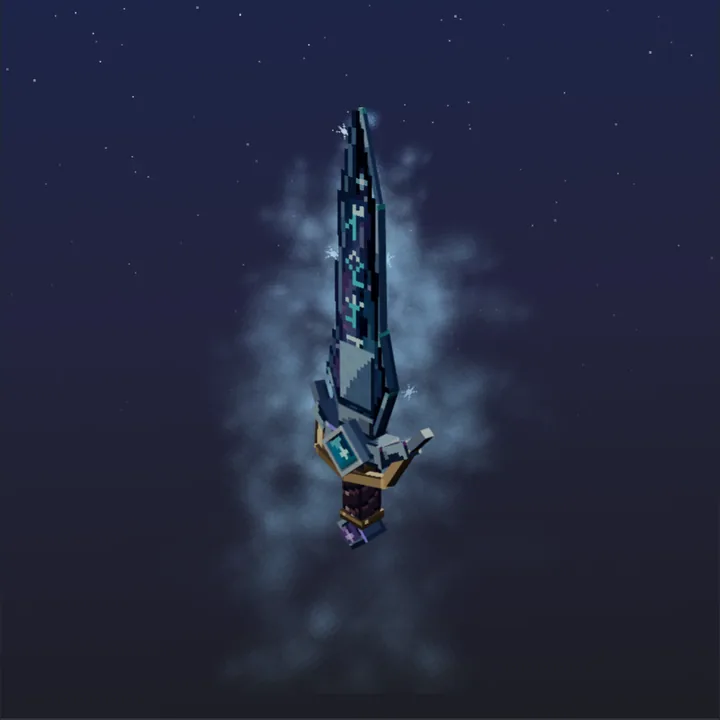
Studio adds animation clips and particle effects to a model you have saved.
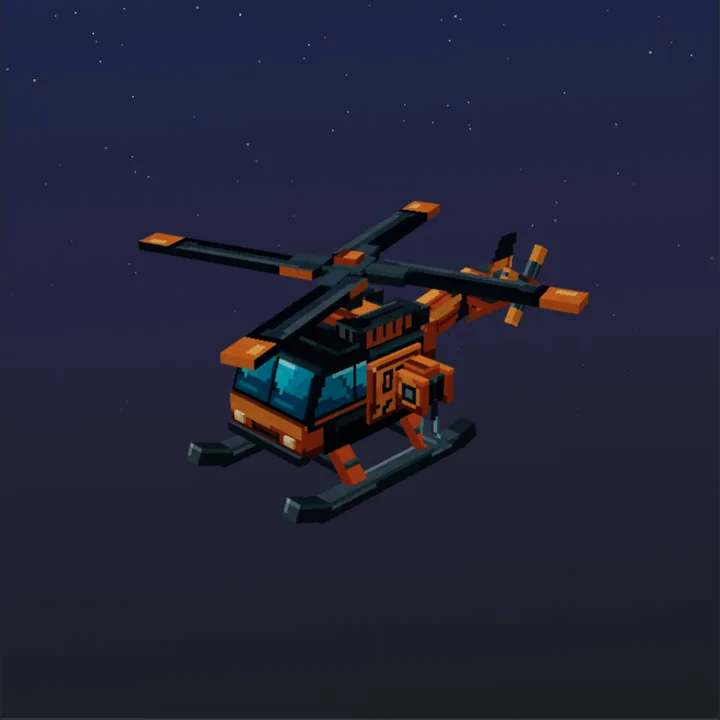
See it take shape.
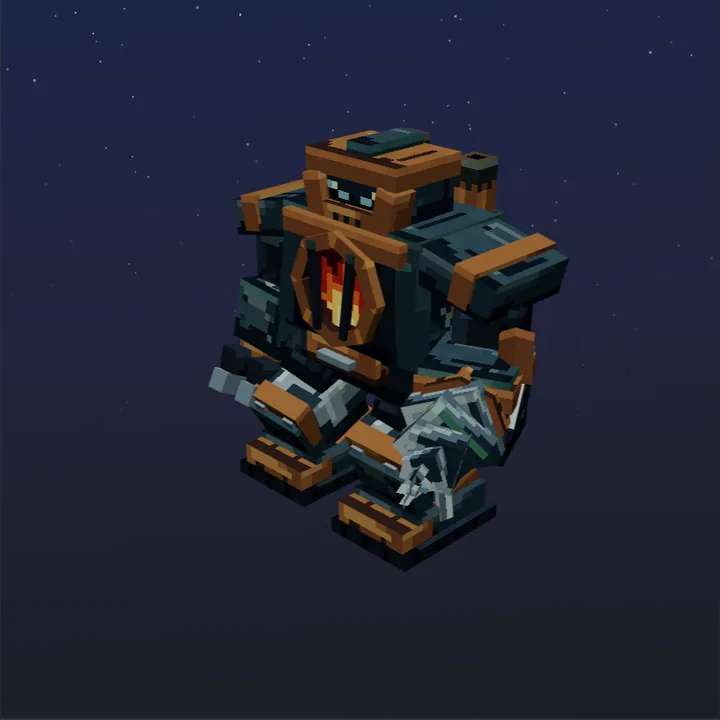
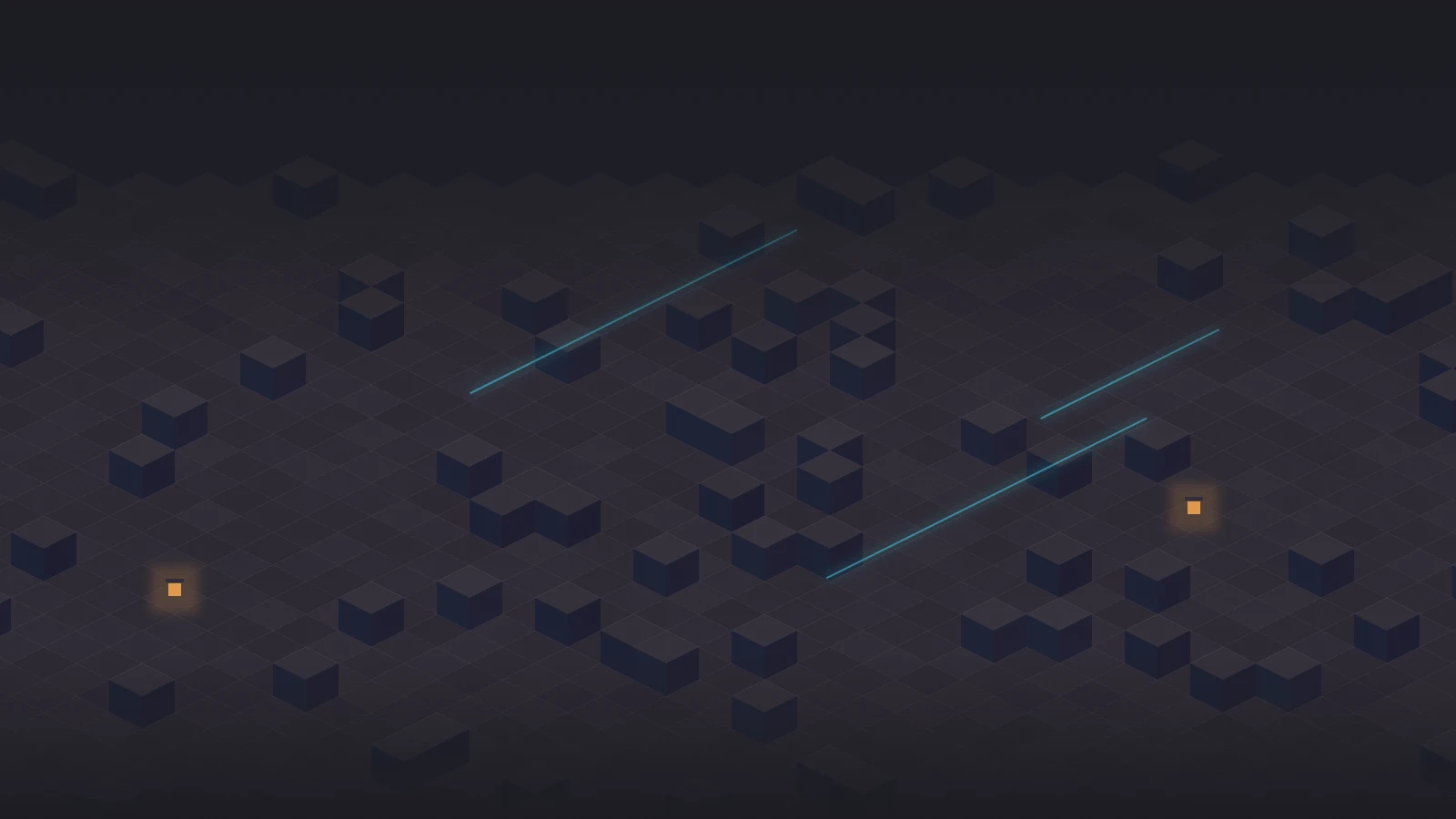
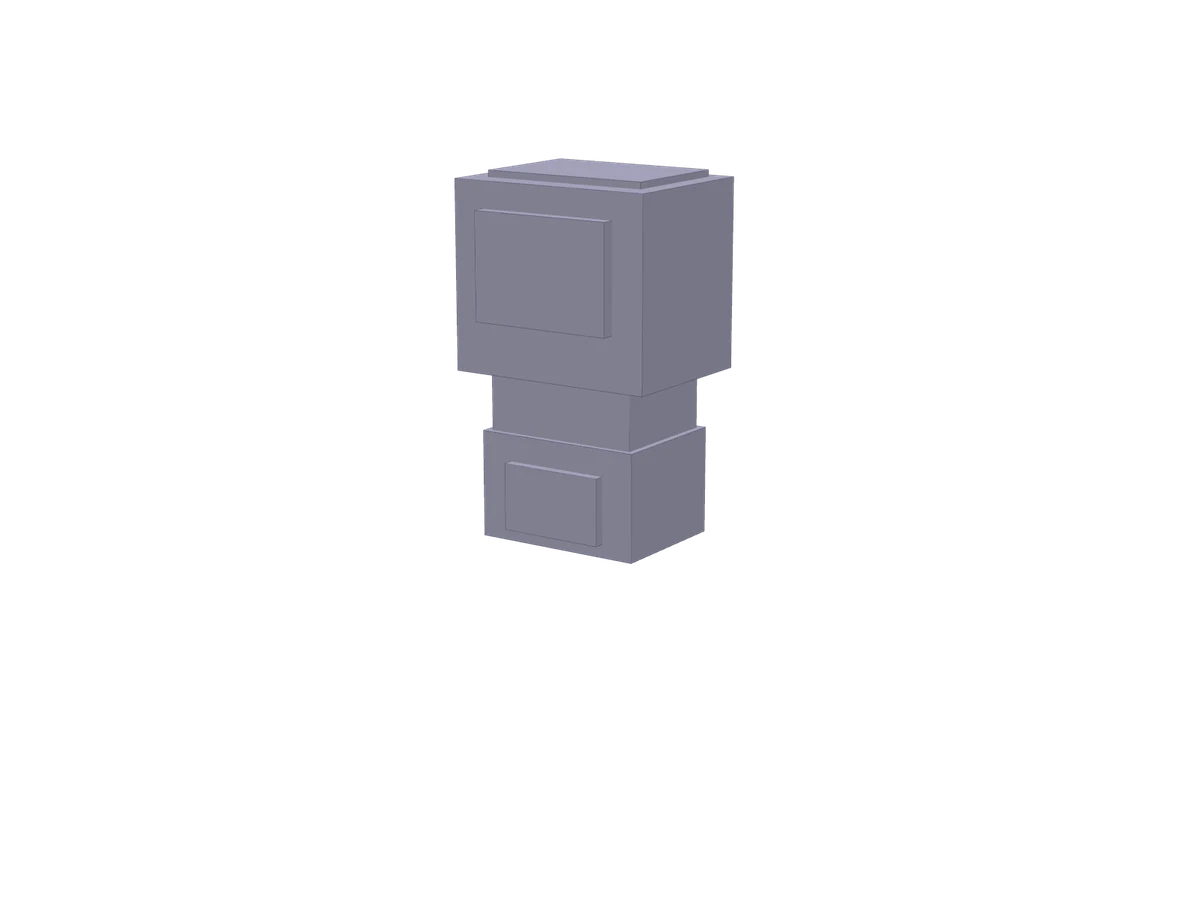
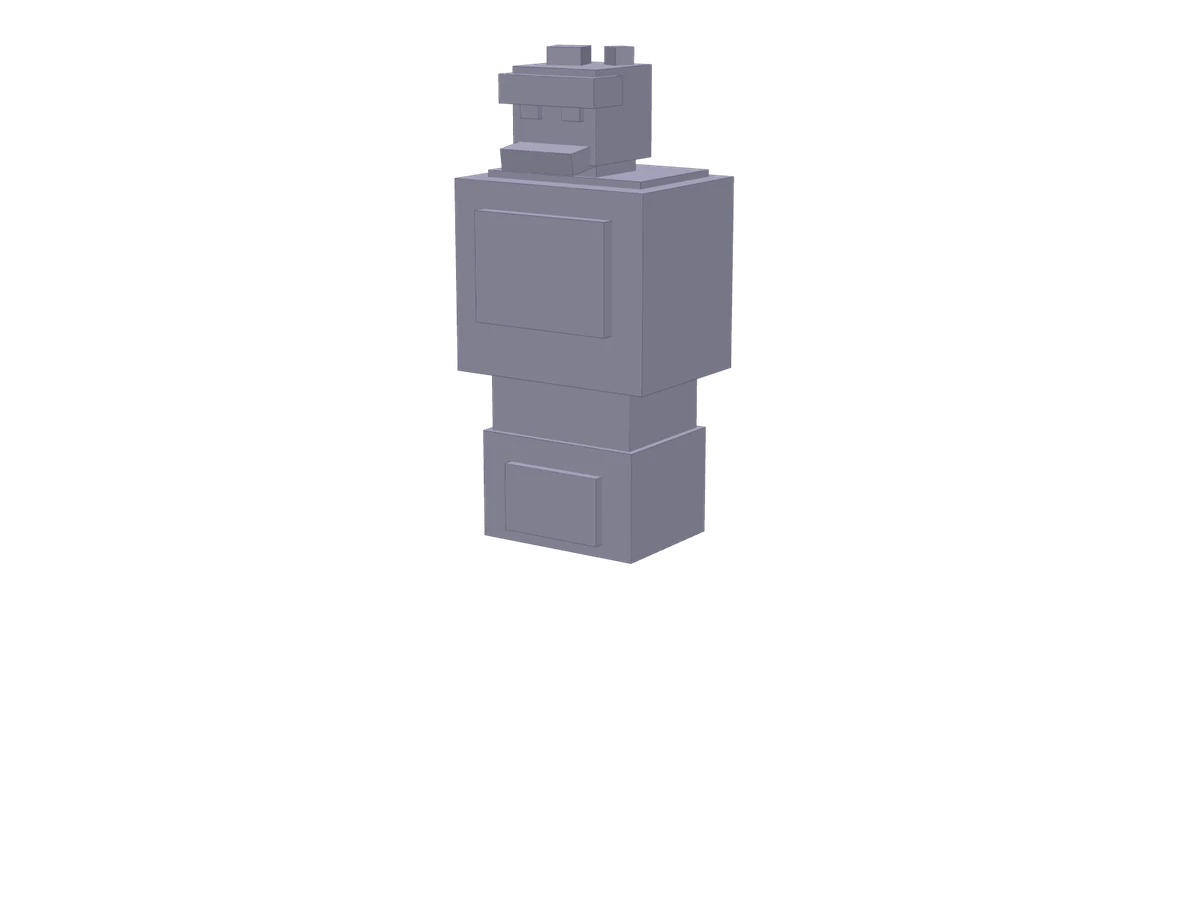
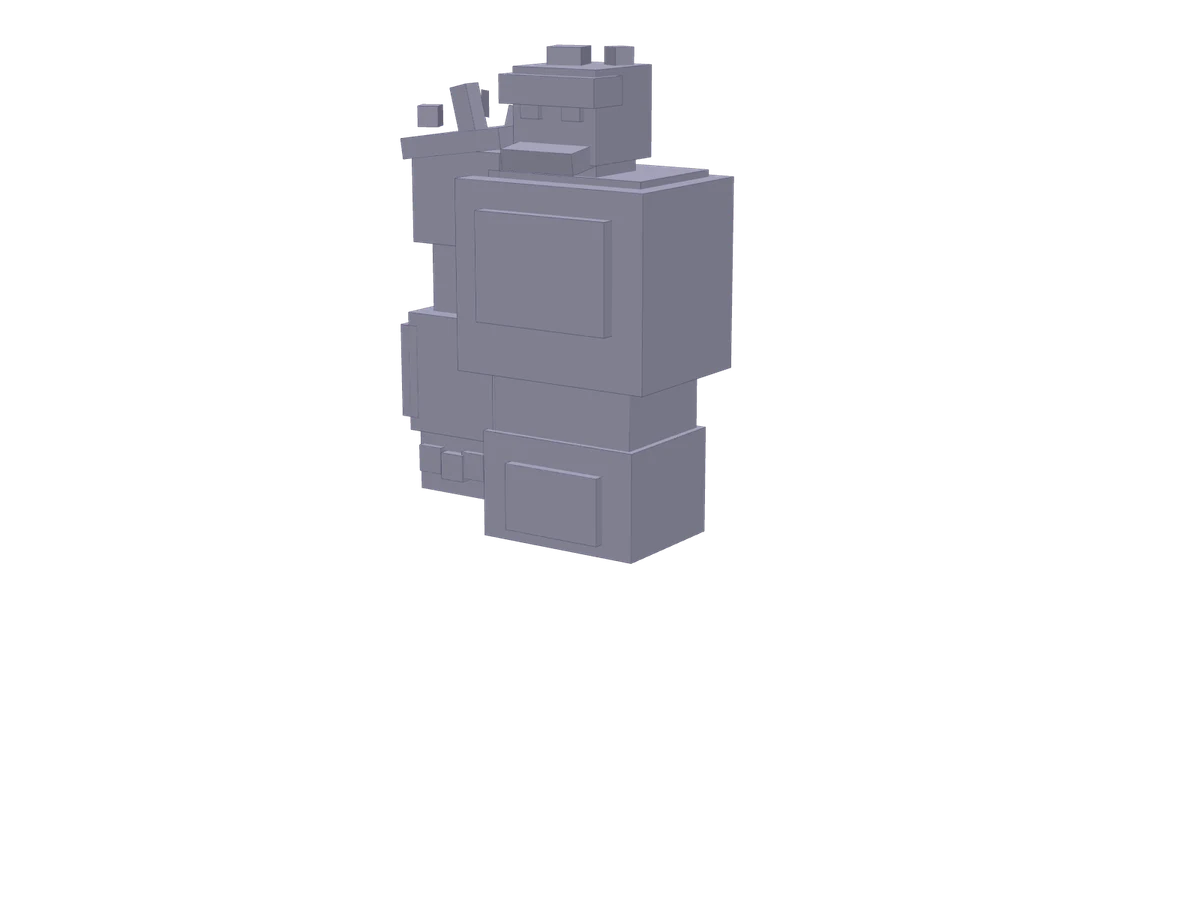
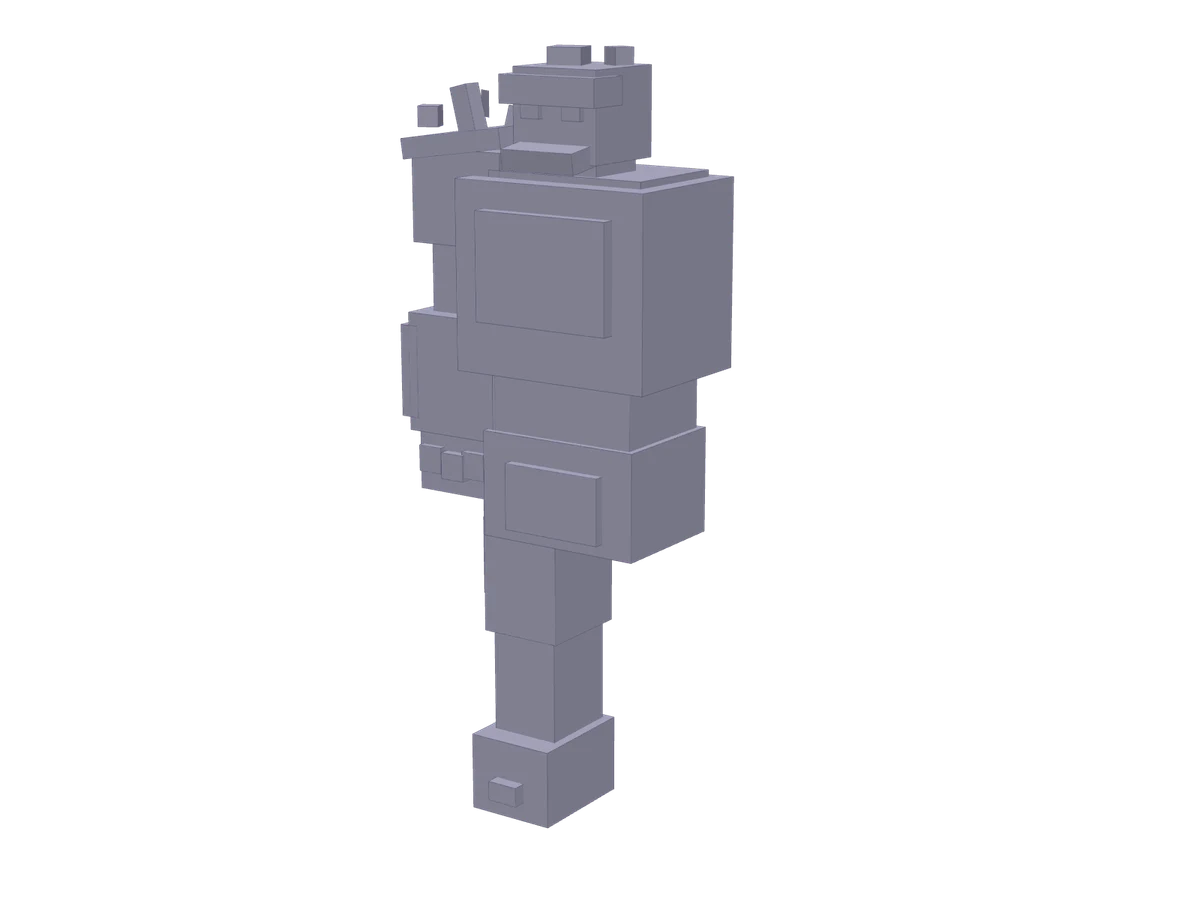
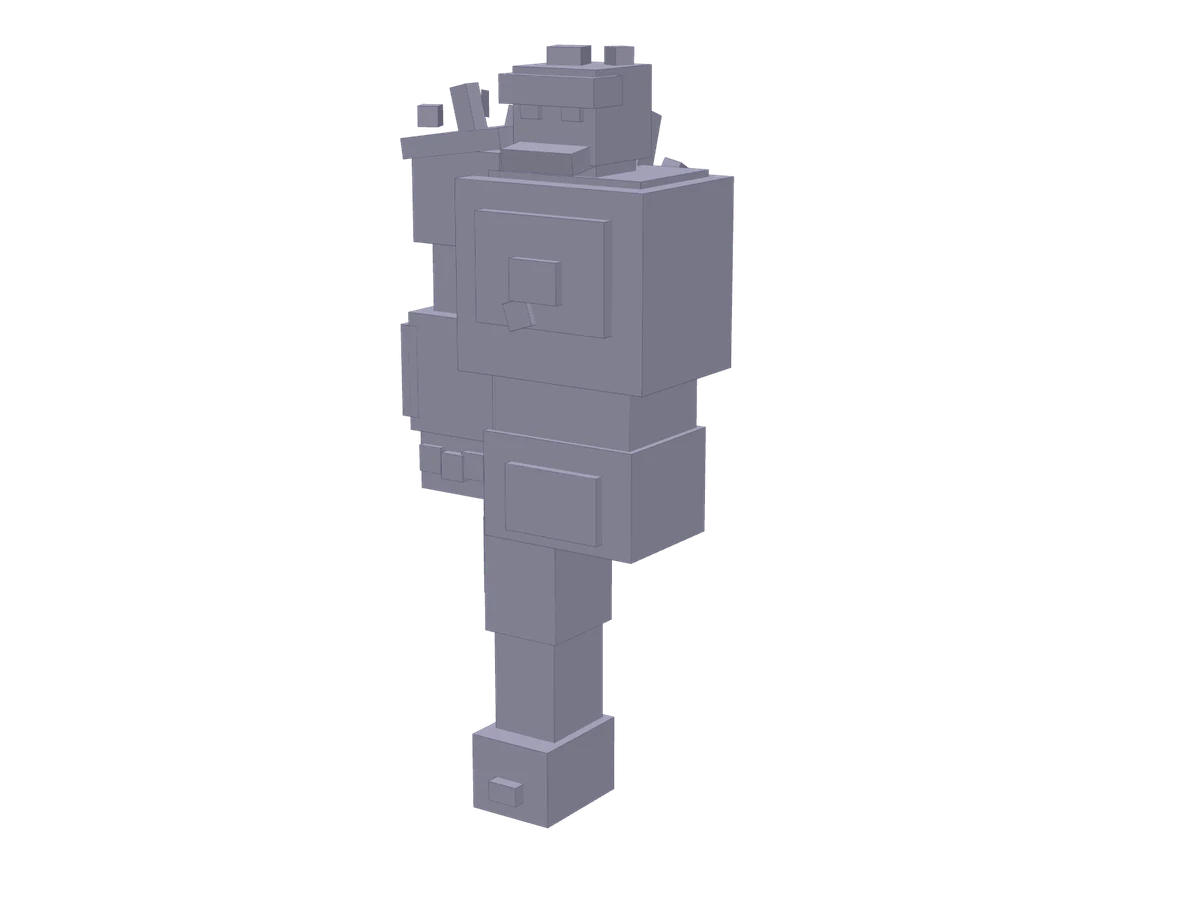
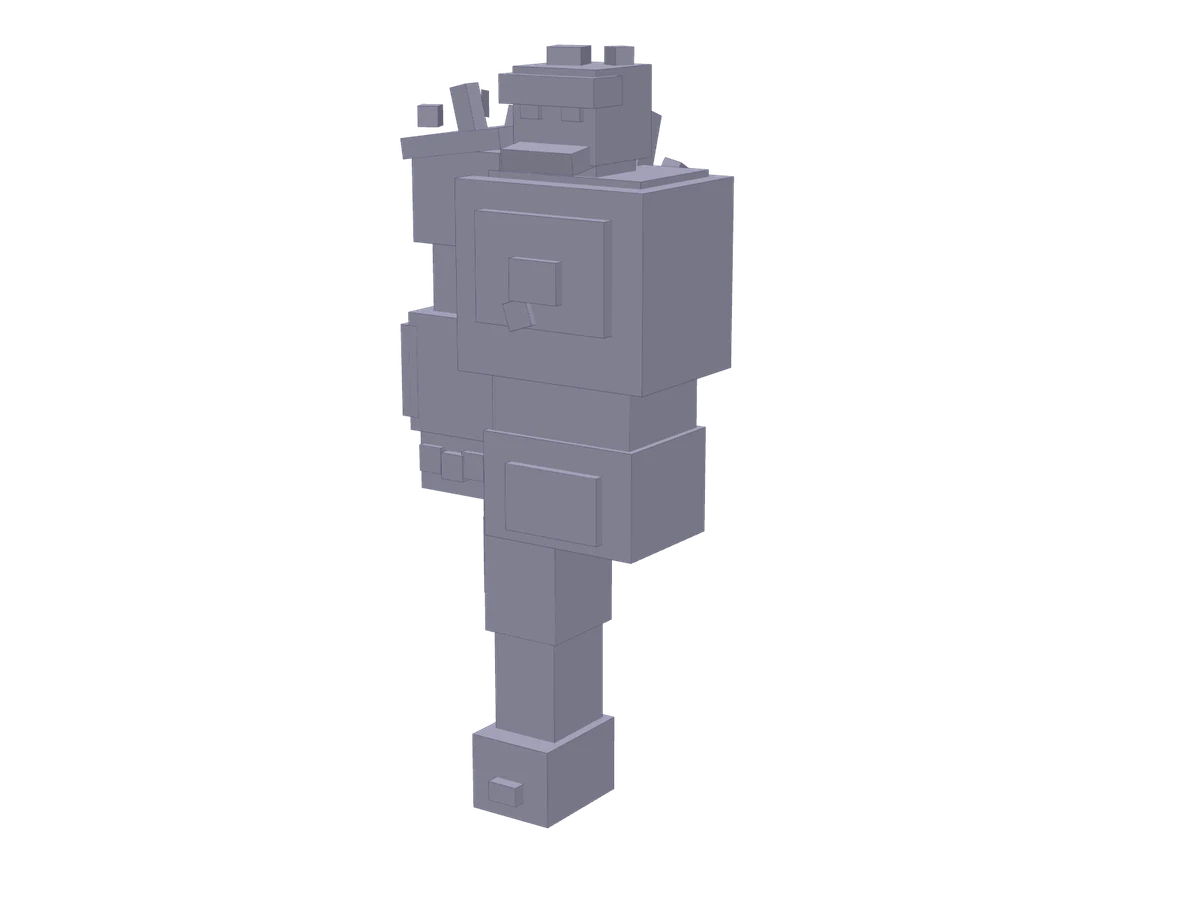
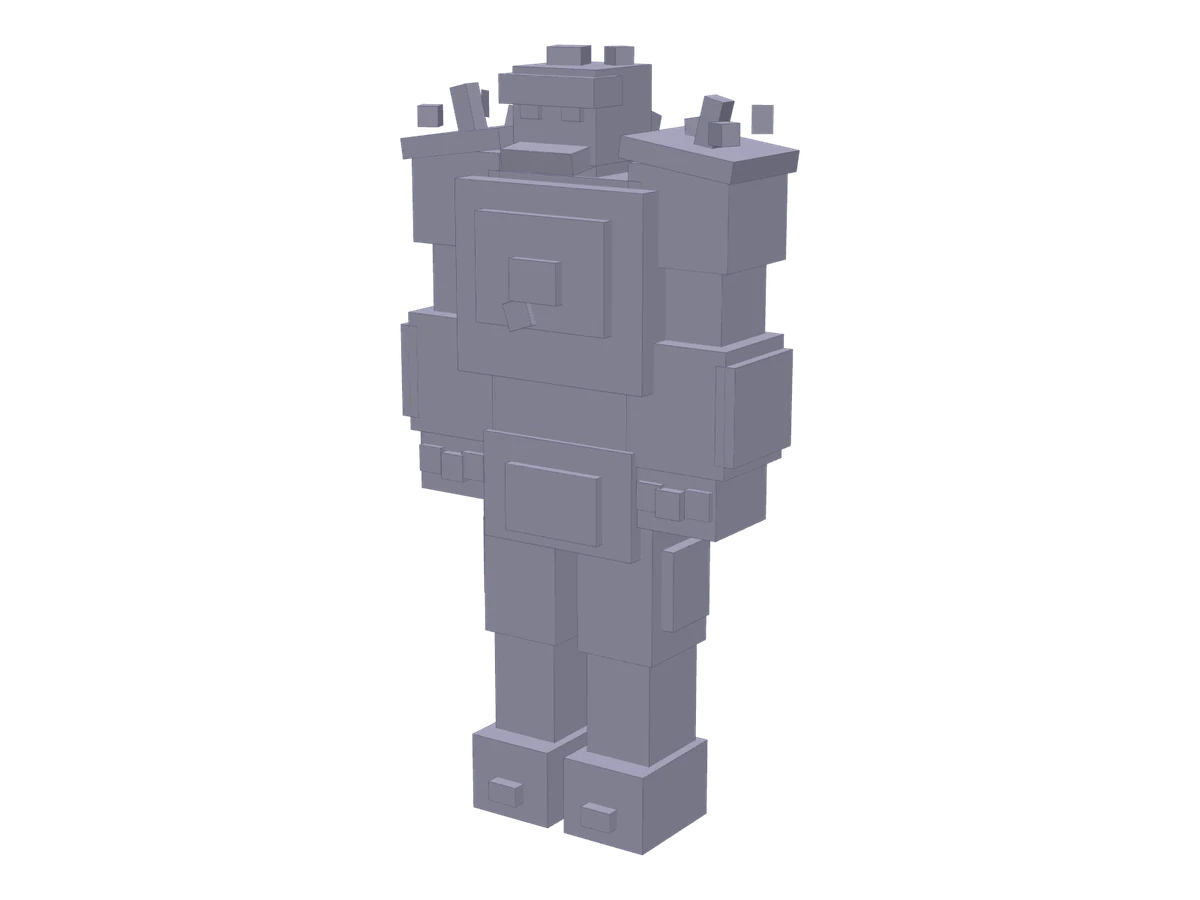
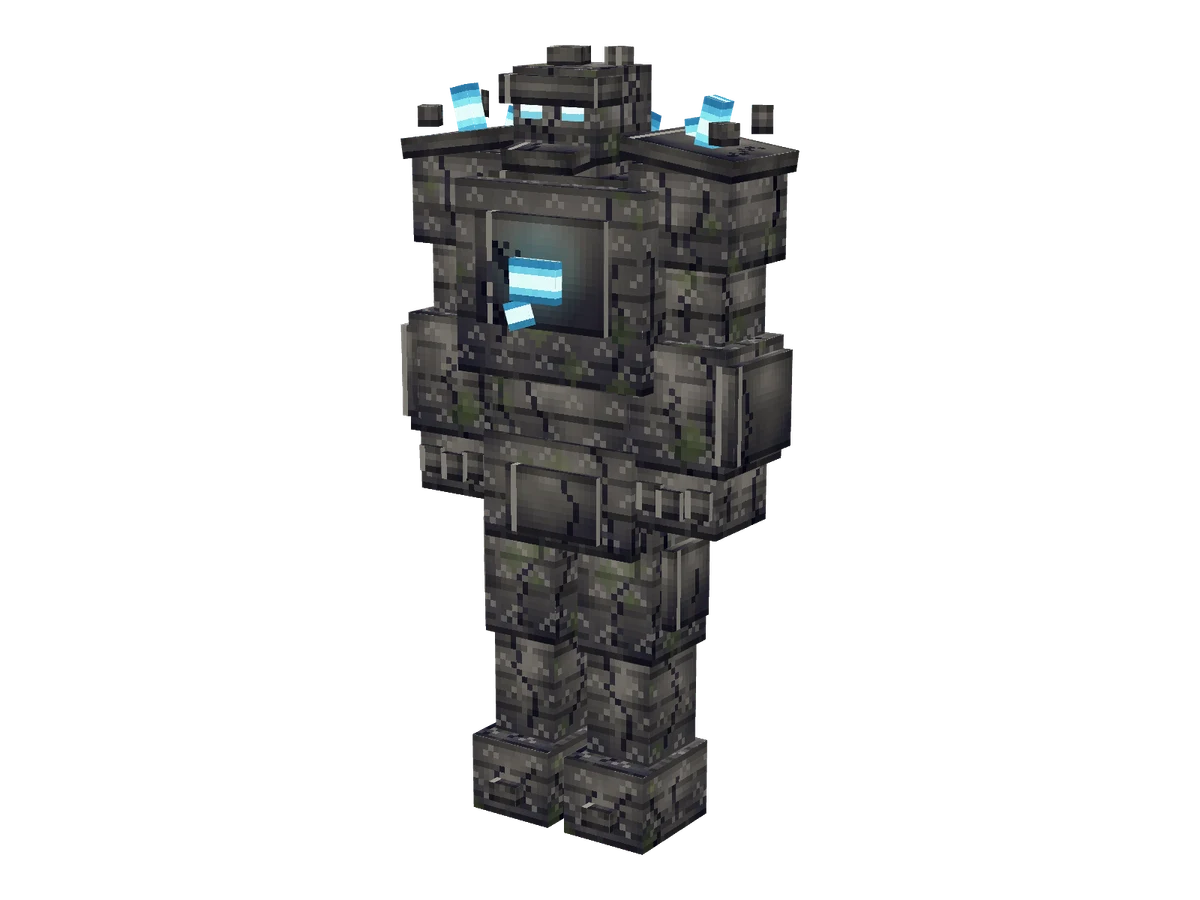
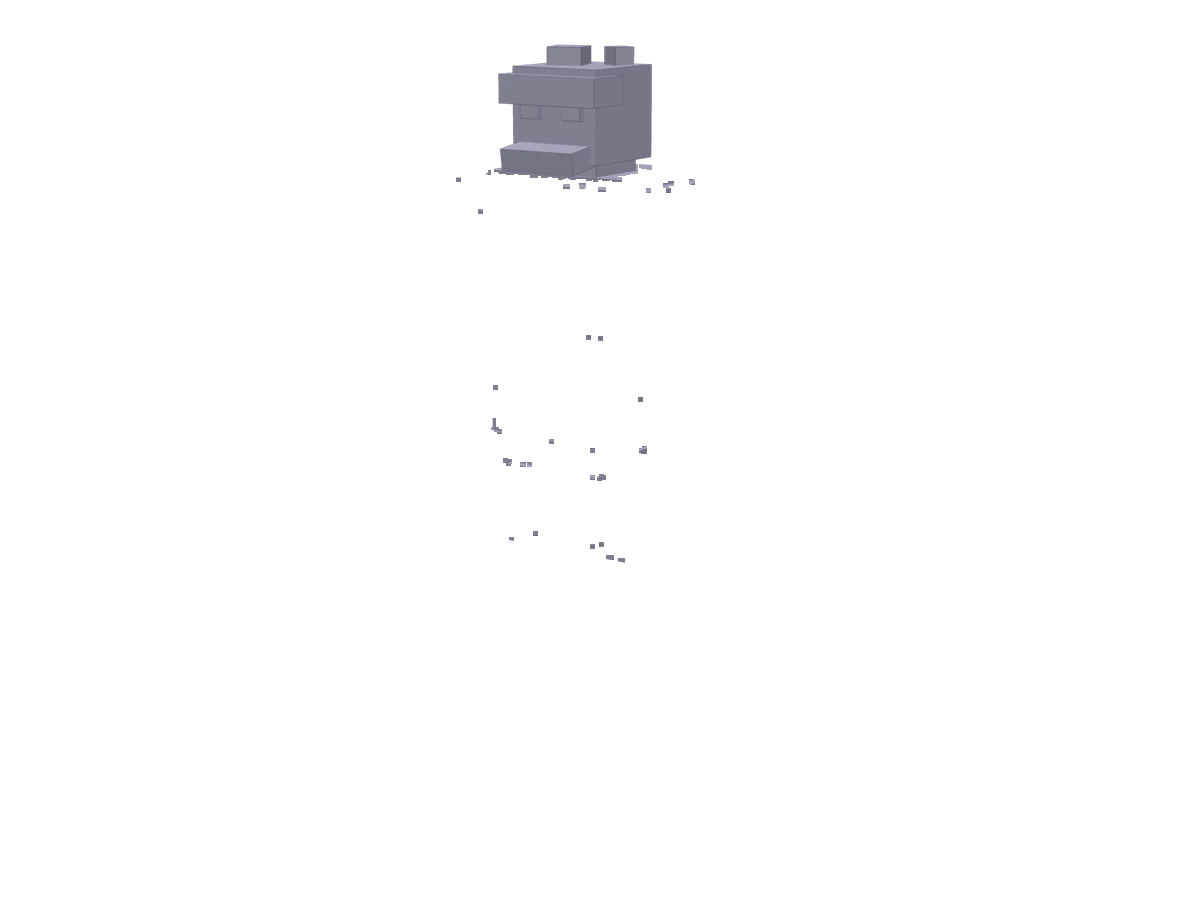
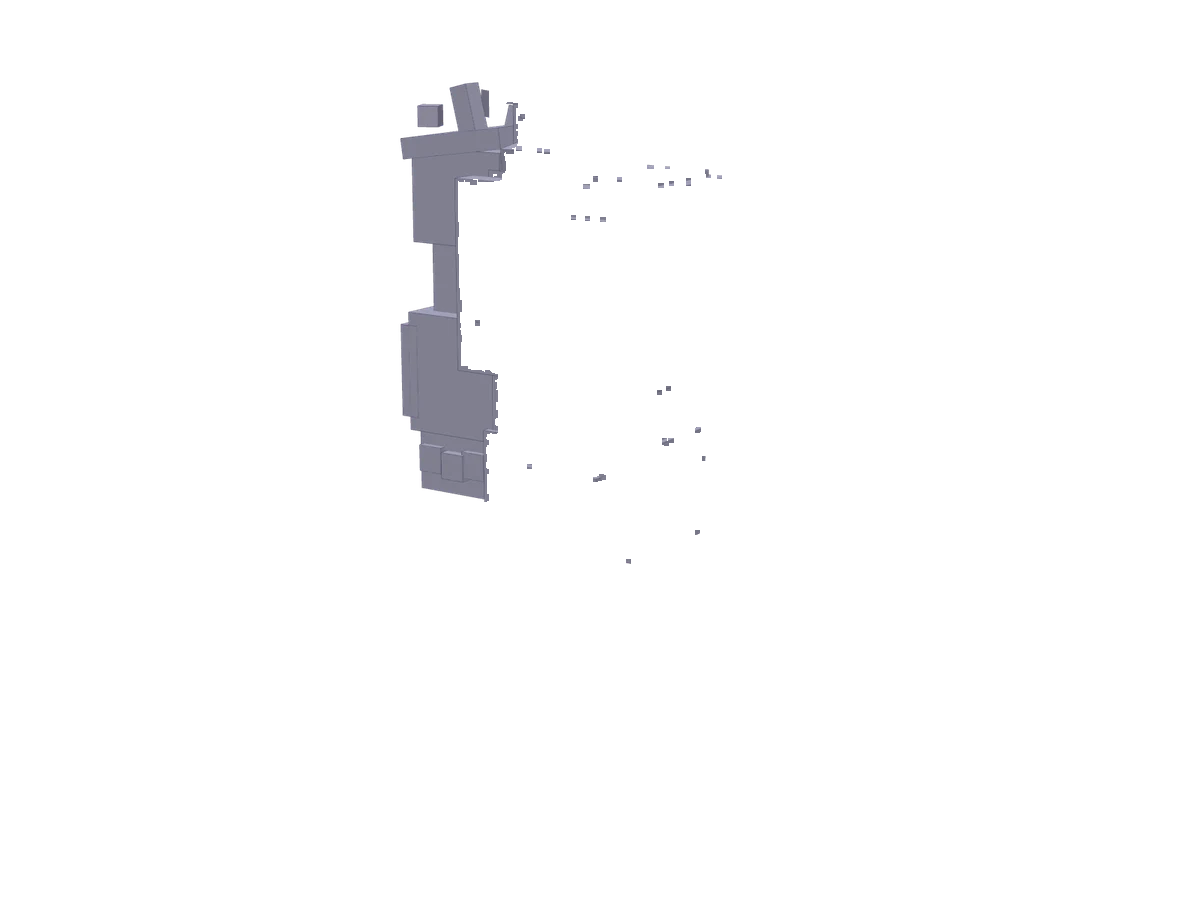
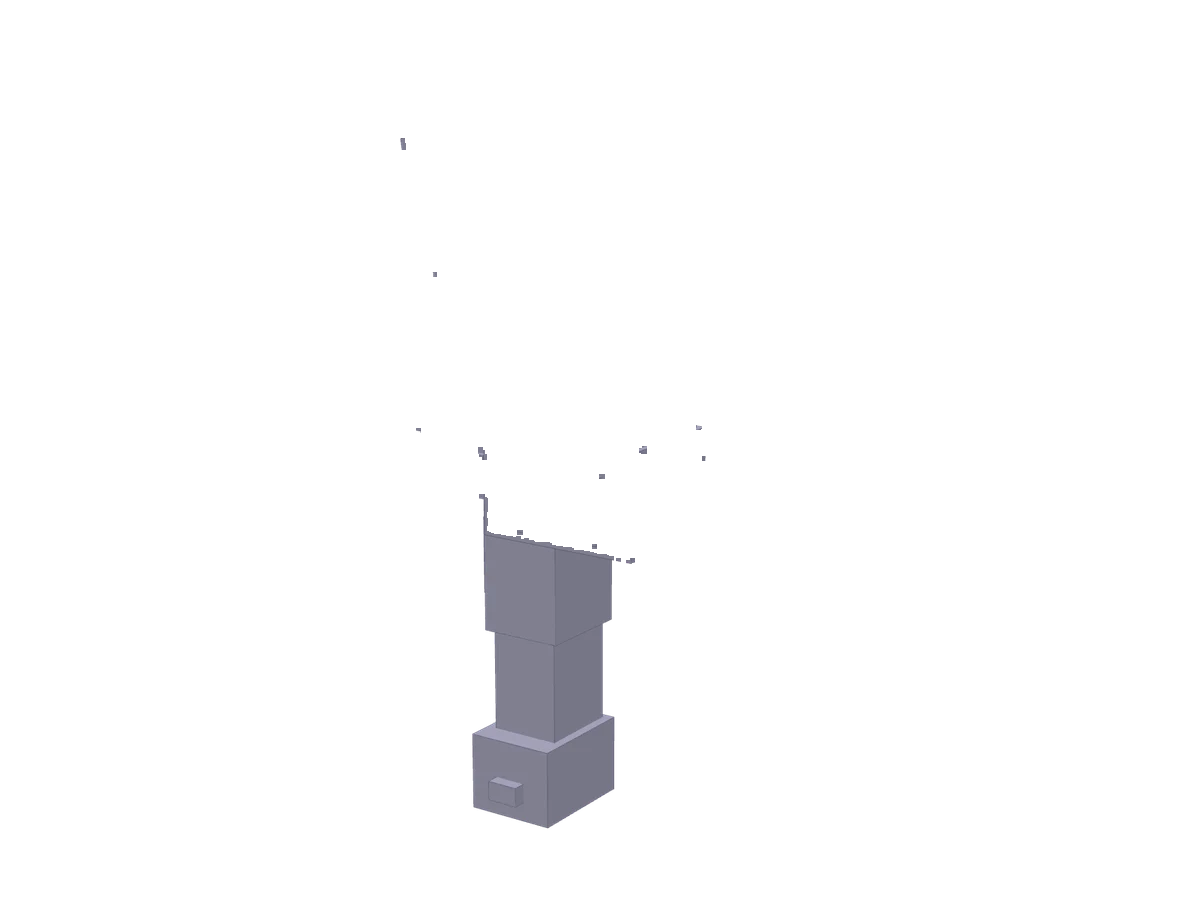
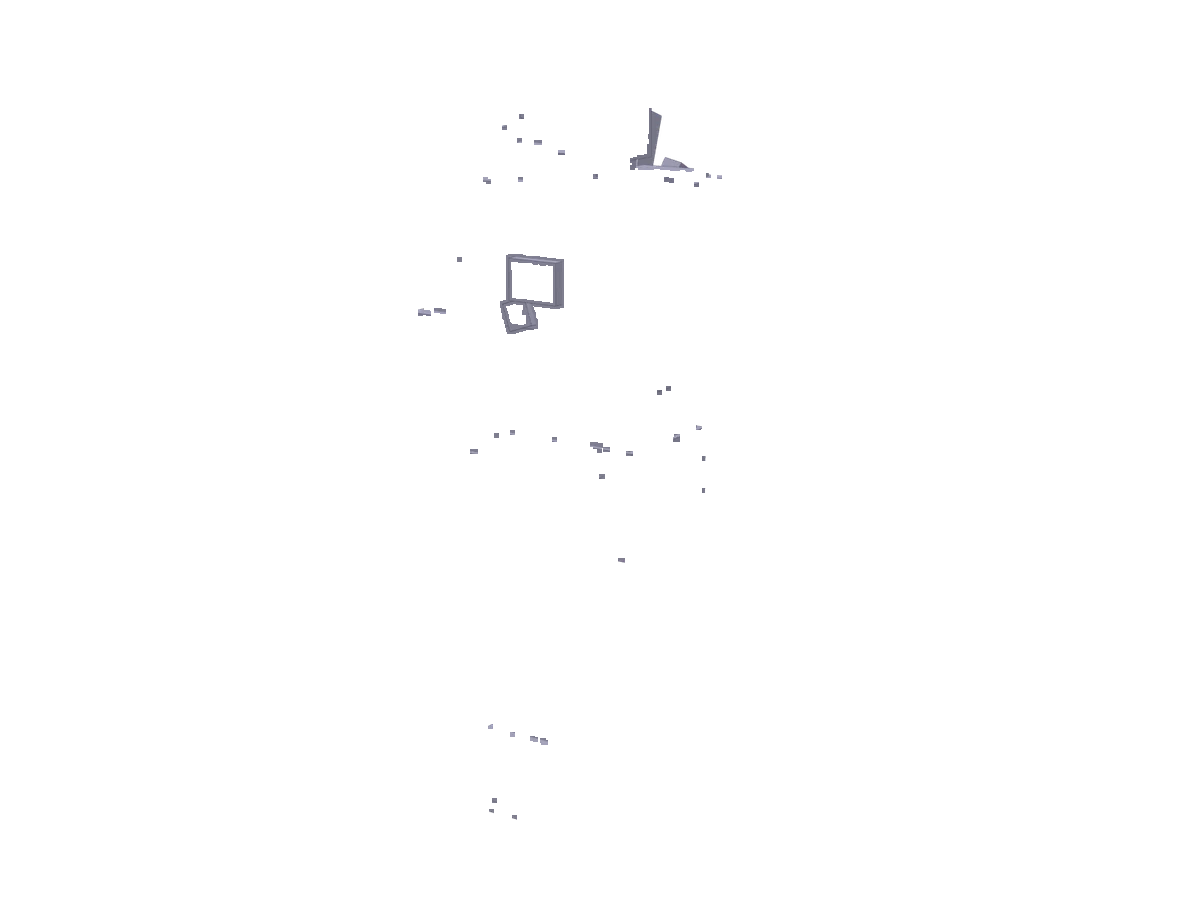
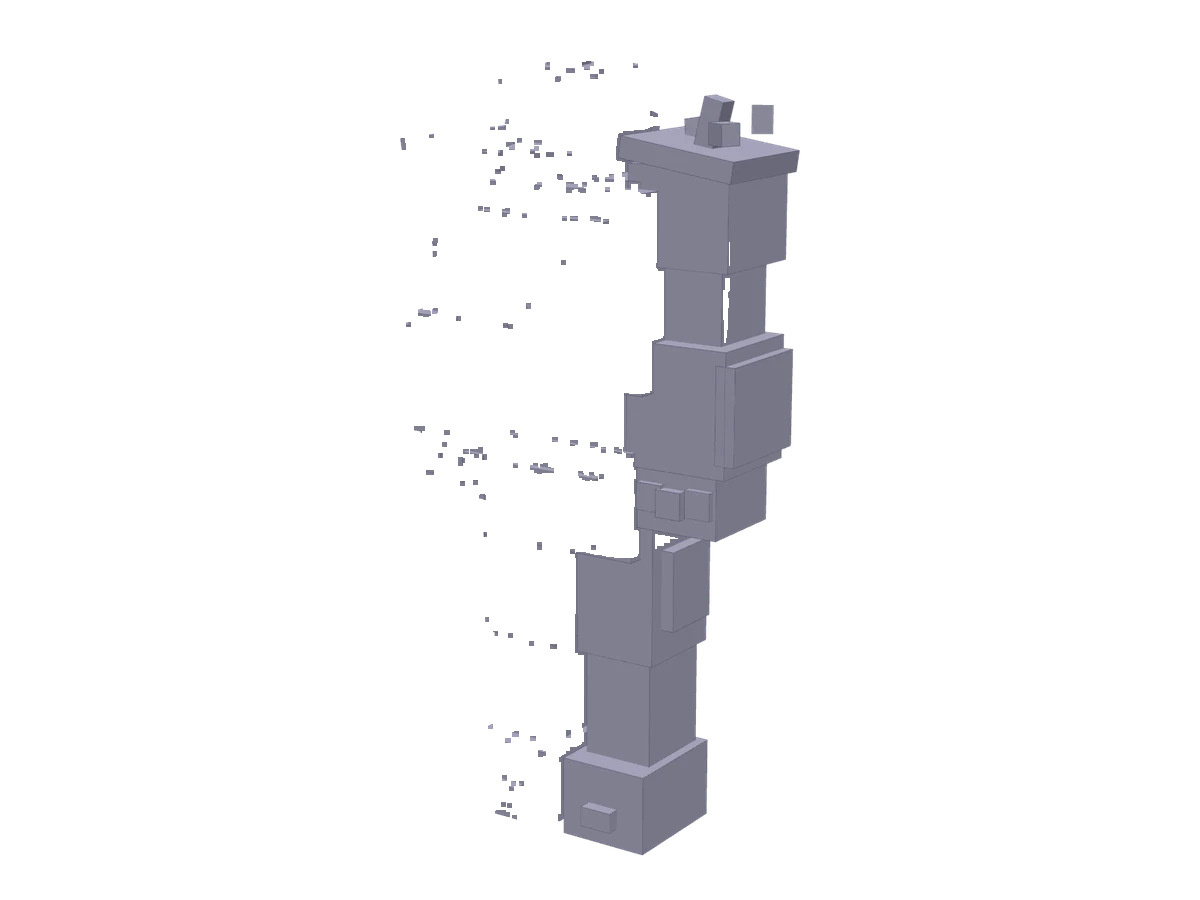
Forge's public replay of a Studio build: the Rock Titan, 57 parts and two animation clips. Forge's replay of it runs 12 min 41 s; here it plays in about eleven seconds.
- Every step, live. Parts appear as the builder places them, with the node count beside them.
- Five quality gates. The model is checked before it is delivered.
- Charged at acceptance. If a build fails, its credits are refunded.
DeliveredRock_Titan.blockymodel, its texture and two clips
57 / 57 nodes
5 of 5 gates passed


Quality gates
- Format validatorpassed
- Detail densitypassed
- Exposed-face auditpassed
- Rig integritypassed
- Clip bindingspassed
Files: Rock_Titan.blockymodel · Rock_Titan_Texture.png · Rock_Titan_Idle.blockyanim · Rock_Titan_Slam.blockyanim
Steps 1 to 7 are shown in Studio's clay view.
Your files go with you.
Download this mining mech. Adjust its parts and texture in Workbench or Blockbench with the Hytale plugin.
Model and texture source. Add gameplay in your game project.
Read the guides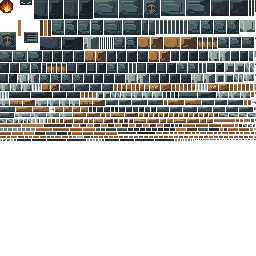
texture.png · painted rows of the 256 × 256 atlas
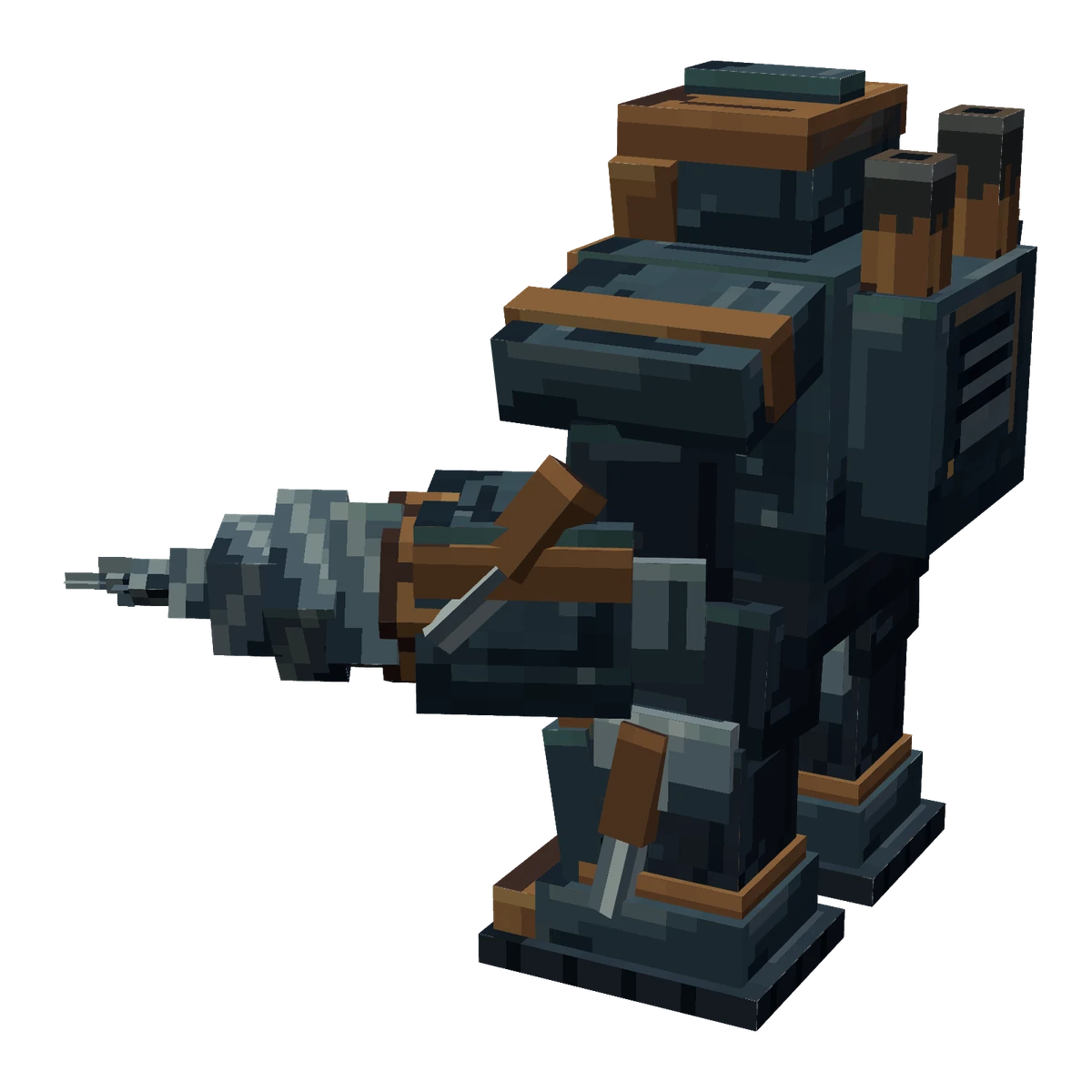
- model.blockymodel308 KB · 103 nodesDownload model
- texture.png16 KB · 256 × 256Download texture
What will you make?
Make your ownA Studio build today: a .blockymodel, its painted PNG atlas, inventory icons and a thumbnail.
View pricingBuild details
Credits are charged when Studio accepts a build, and a failed build is refunded. Check the final quote in Studio before you start; prices can change between visits.