Minecraft guide
How to make a Minecraft model with AI, step by step (Bedrock and Java)
Blockbench remains the best way to learn modeling; an AI generator now builds a textured first version to edit.
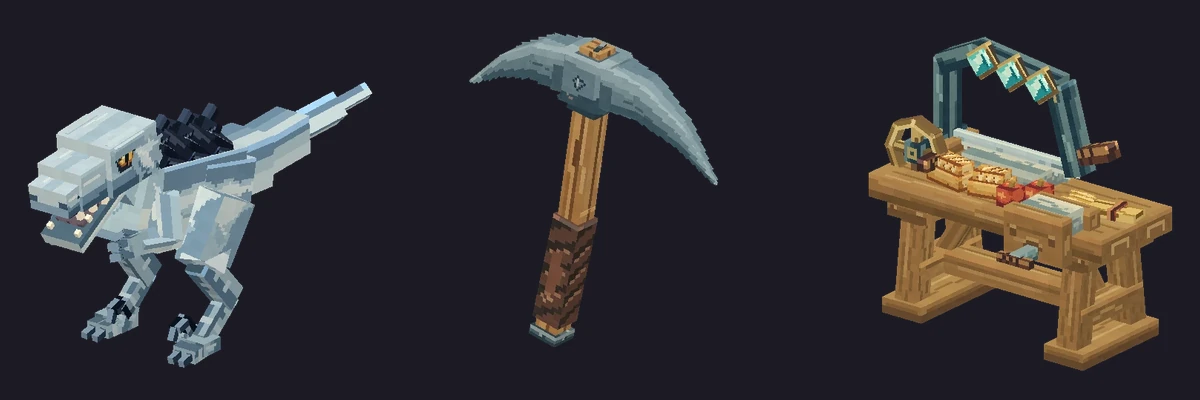
The short answer
Write a brief or add a picture, let a cube-based AI generator such as Myrlin Studio build and paint the model, check it, then download a Bedrock .mcaddon add-on or a Java pack, mod jar, mod resources or server plugin files.
On this page9 sections
What a Minecraft model is made of
Cubes, a PNG texture and, if it moves, animations. In Microsoft’s creator documentation, “a model provides the visual shape, and a set of textures on the model give it color and features”.
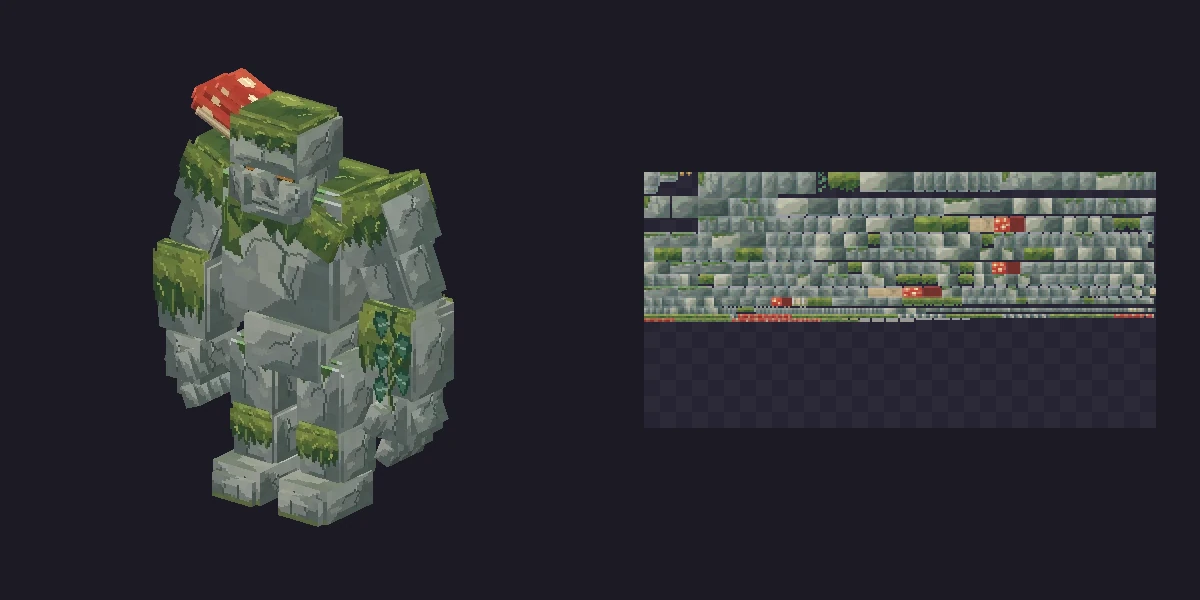
One edition’s model needs a conversion to load in the other:
- Java: JSON models in a resource pack for blocks and items; creatures usually come from a mod or server plugin.
- Bedrock: add-ons, a resource pack plus a behavior pack.
3
parts: cubes, texture, animations
1
.mcaddon file holds both Bedrock packs
4
Java downloads, for different setups
The ways to make one
| Tool | How it works | Cost |
|---|---|---|
| Blockbench | A low-poly editor, desktop or browser; you place and paint every cube. | Free, open source |
| Blockbench with an AI assistant | An MCP server lets Claude Code or Codex work in your project. | Open-source servers plus your assistant |
| Myrlin Studio | A browser AI generator builds, paints and exports for Bedrock or Java. | Credits, priced before each build |
Microsoft recommends Blockbench, the standard, as “a free and open source low-poly model editor”; it is third-party, not Mojang’s or Microsoft’s. For an assistant inside it: AI plugins and AI tools for Blockbench.
Step by step with Myrlin Studio
- Step 1
Write the brief
Name the object, its proportions, materials and colors, like a product description: “Obsidian greatsword with a glowing blue edge”, “Oak barrel table with an iron lantern on top”. Say if it is a held item, block, furniture or creature.
Squat copper golem with rivets and soot stains - Step 2
Add a picture (optional)
A sketch or reference image can join the description or replace it (what makes a good one).
- Step 3
Check the price
It shows before the build starts, and a failed build is refunded (current pricing).
- Step 4
Let it build
The default, Builder v2.0, averages about 4 to 7 minutes, some longer; watch in the Workbench or come back later.
- Step 5
Refine it
Adjust named parts, pivots, UV layout and pixel texture in the Workbench, or ask in chat; or edit the .bbmodel in Blockbench.
- Step 6
Download for your edition
Choose Minecraft download, then Bedrock or Java.
My assets, then Minecraft download
Getting it into Bedrock
- Step 1
Choose the add-on
Pick Minecraft Bedrock (.mcaddon), keep or switch the mode (Character / Mob, Held item or Block), and download.
- Step 2
Open it
Double-click it on a PC or Mac; on a phone or tablet, tap it and choose Open in Minecraft.
- Step 3
Turn it on
Enable both packs in your world’s settings.
- Step 4
Consoles
Import it into your Realm or world from a PC or phone, then join from Xbox, PlayStation or Switch.
Getting it into Java
| Download | Use it for | What you need |
|---|---|---|
| Java resource pack | Items, blocks, furniture | No mod loader; unzip once, then put the inner resource-pack ZIP, still zipped, in resource packs. |
| One-click Java mod jar | One model per jar, creatures too | Its mod loader (plus GeckoLib for creatures); no Java to write. |
| Java mod resources | Your Fabric, NeoForge or Forge project | You register the model in code; not a compiled mod. |
| Server plugin files | ItemsAdder items and furniture, or a ModelEngine creature | That plugin on your server. |
The Minecraft page lists each one’s current versions, loaders and install steps.
Check the model first
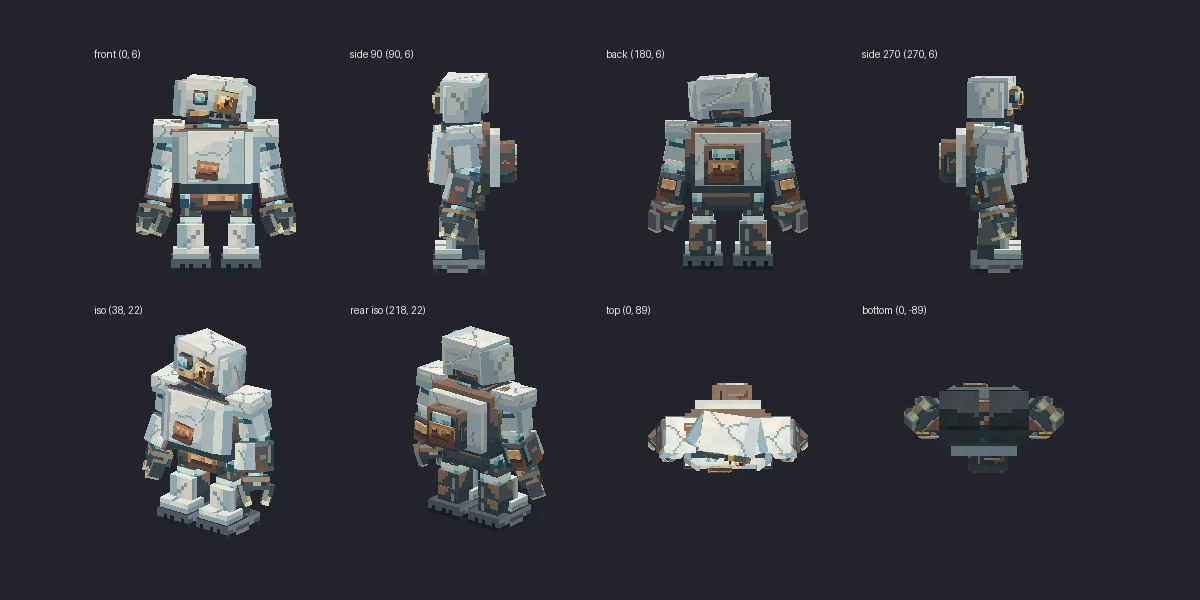
- Turn it around: no floating or overlapping parts.
- Check pivots on anything that swings, spins or bends.
- View it at game size: fine detail can become noise on a held item.
- Try it in a test world first.
What the AI leaves to you
You get the model, texture and game files. Item behavior beyond standard Minecraft, or how a creature acts in your mod, is yours to design. Myrlin Studio makes models, not builds: no castle placed block by block.
Questions
- What is the best Minecraft model maker?
- Blockbench: free, open source, recommended by Microsoft. For a finished model, an AI generator such as Myrlin Studio builds one from words or a picture.
- Can AI make a 3D model for Minecraft?
- Yes, from cubes: Myrlin Studio exports a Bedrock .mcaddon, Java resource pack, one-click mod jar, mod resources or server plugin files. Mesh generators do not make files Minecraft loads.
- Do I need a mod loader for a custom model?
- Not for a Bedrock .mcaddon or Java resource pack; a one-click mod jar needs its loader, and creatures need GeckoLib.
- Can I make a Minecraft model from a picture?
- Yes, with or without a description; without one, Myrlin Studio asks once, then builds the main subject.
- Can I edit an AI-made model afterwards?
- Yes: parts, pivots and texture in the browser Workbench, or the .bbmodel in Blockbench.
Sources
- Microsoft Learn: Getting Started with Blockbench (opens in a new tab): What a model, a texture and animations are, and the note that Blockbench is a third-party tool.
- Blockbench (opens in a new tab): The editor, its desktop download and its web app.
- Myrlin Studio for Minecraft (opens in a new tab): The downloads, install steps and supported versions, read on 24 November 2026.
Facts checked on .
Guides and pages