Guides
Blockbench guides
Plain guides for making and editing blocky models in Blockbench. Each one lists its sources and the day its facts were last checked.
The guides
 AI plugins and AI tools for Blockbench: what exists and how to use themWhy Blockbench’s plugin store has no AI plugin, and the tools that do exist: MCP servers that let an assistant work in the editor, agent skills, and AI model generators.
 Blockbench shape generator: how to make round and complex shapes quicklyThe three things “shape generator” means in Blockbench (the plugin, the built-in Add Mesh shapes and MTools, and AI generation) and which one works in your model format.
 GLB to bbmodel: how to bring a glTF model into BlockbenchHow to open a GLB or glTF file in Blockbench with the glTF Importer plugin, turn meshes into Minecraft cubes with Mesh to Cube Converter or glTF to Minecraft, and what does not convert.
 bbmodel to PNG: how to get an image out of a Blockbench modelThree ways to get a PNG from a .bbmodel (save the texture, screenshot or render the model, or export menu and item icons) and why the project file itself is not an image.
 How to import, apply, copy and paste textures in BlockbenchImport a texture into Blockbench, put it on faces and cubes, copy and paste it between faces, cubes and projects, and fix a texture that is missing or the wrong size.
 Blockbench online: the web app, the desktop app and what differsWhere the Blockbench web app and the desktop downloads are, which plugins and file features only the desktop app has, and when each one fits.
 How to optimize a Blockbench model: fewer cubes, hidden faces, smaller texturesReduce cubes, faces and texture size in Blockbench with built-in actions and the Optimize, MTools and Texture Downscaler plugins, and check the result in Model Stats.
 Free Blockbench and Hytale models: where they are and what each license allowsWhether Blockbench is free, what its store and gallery hold, where free Blockbench and Hytale models are, and what each license lets you do with them.
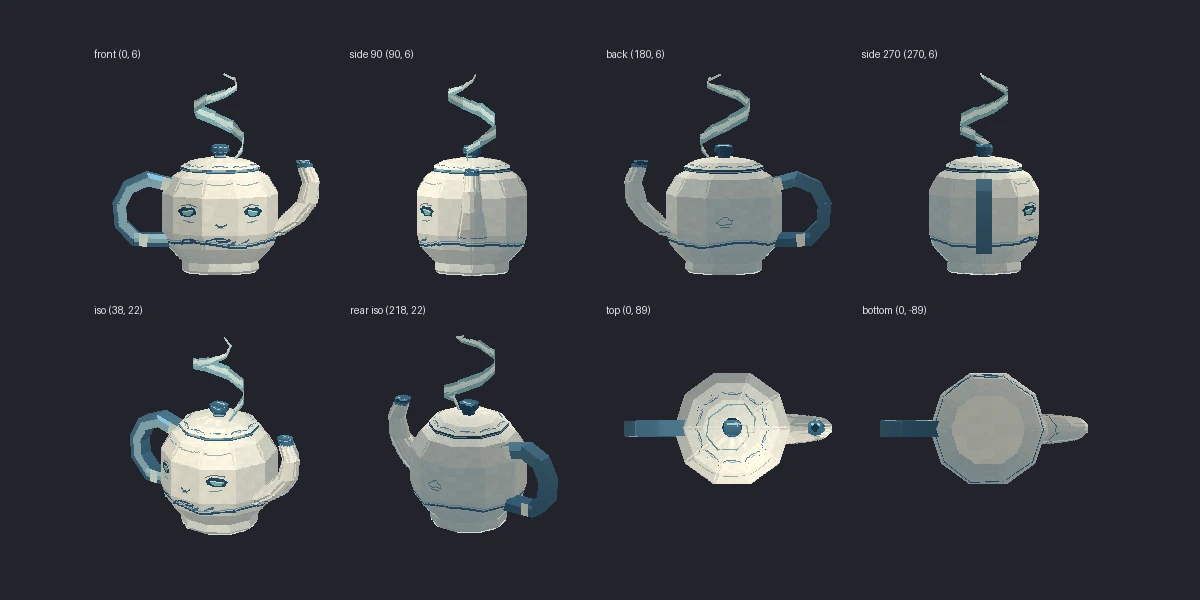 Open a .blockymodel and PNG in BlockbenchA step-by-step walkthrough with a real downloadable model and texture.
Try it
Make a model with Myrlin Studio
Myrlin Studio makes blocky models with AI from a description or a picture. See Myrlin Studio for Blockbench, or read every guide and the current pricing.
Guides and pages