Guides
Minecraft guides
Plain guides for making blocky Minecraft models and getting them into the game. Each one lists its sources and the day its facts were last checked.
The guides
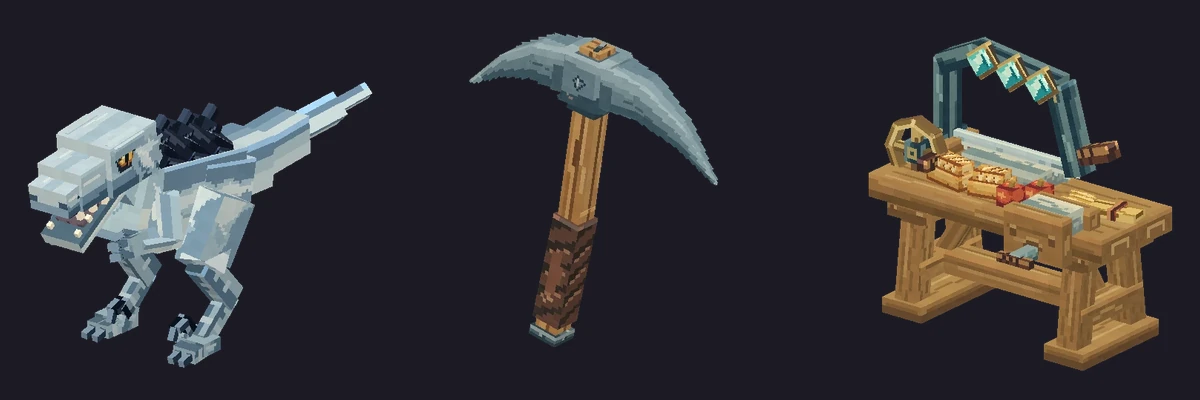 How to make a Minecraft model with AI, step by step (Bedrock and Java)What a Minecraft model is, the ways to make one (Blockbench, an AI assistant in Blockbench, an AI generator), and each step from a written brief to a Bedrock add-on or a Java pack.
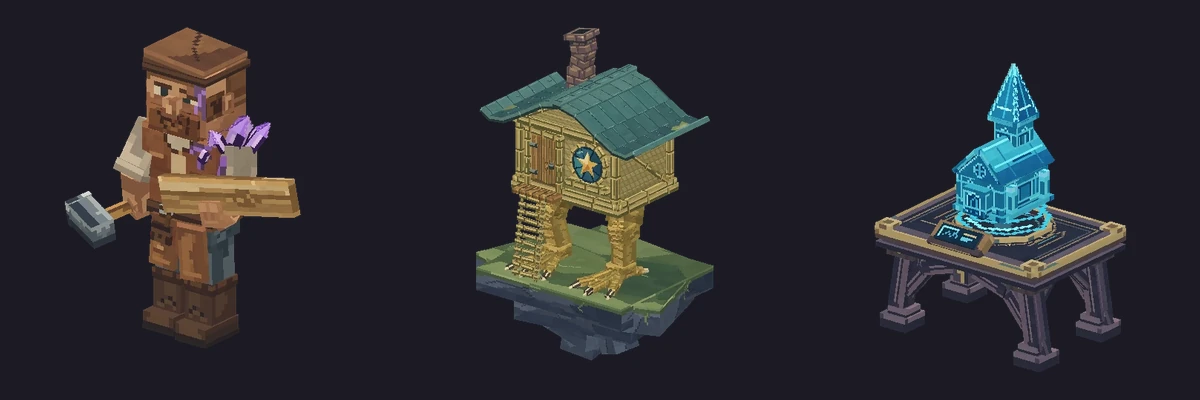 AI Minecraft build generators: builds, schematics and where models fitWhat AI Minecraft build generators make, the structure and schematic files they use, how a build gets into a world, what to check, and how a build differs from a model.
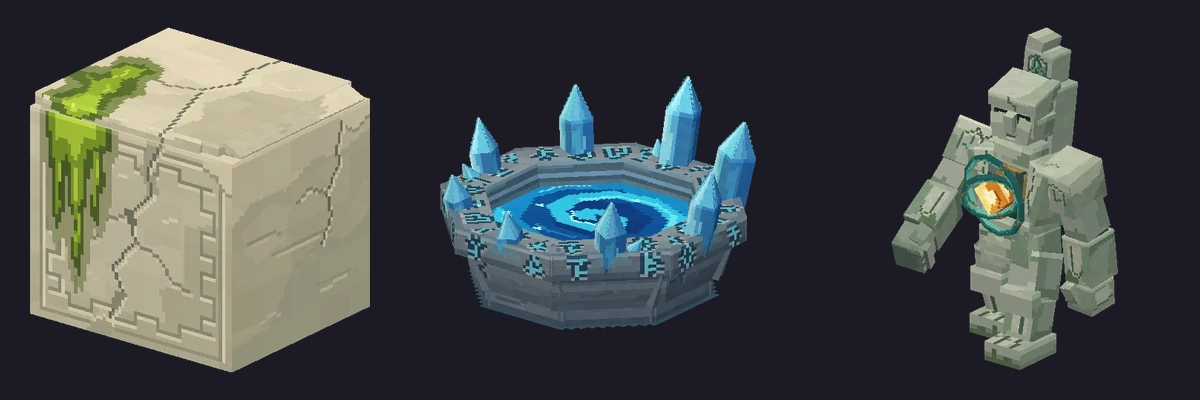 AI texture generators for Minecraft: what they can and cannot doWhat AI texture generators can do for Minecraft: a texture for one model versus a whole resource pack, pixel size and palette, UV fit, tiling, animated textures with .mcmeta, and how to check a result.
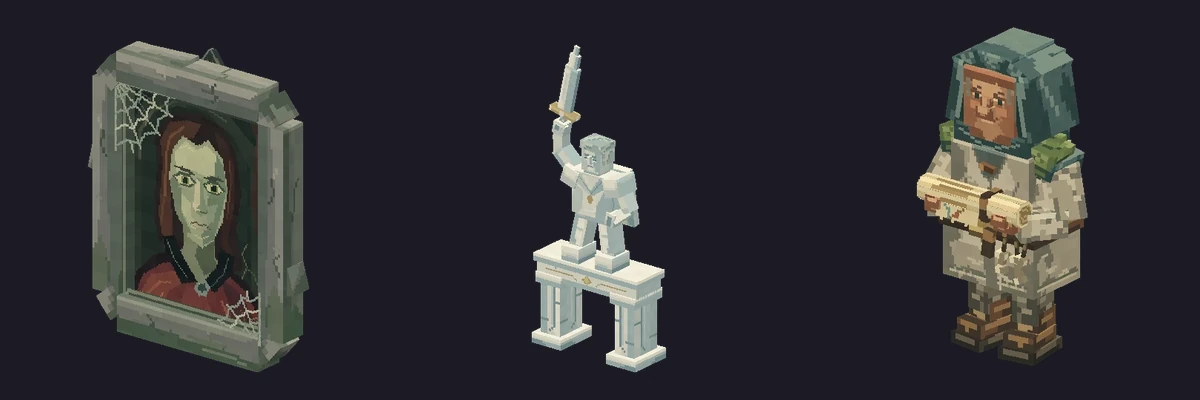 Image to Minecraft: turn a picture into a model, a build or pixel artThe three things “image to Minecraft” can mean, a 3D model, a build of blocks, or pixel and map art, and which tools turn a picture into each.
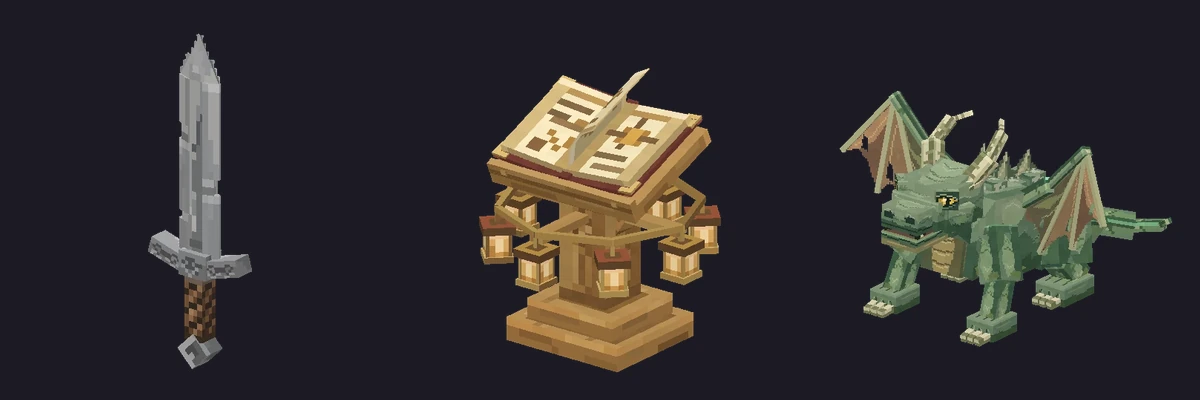 Making a Minecraft mod with AI: from a model to a working jarWhat a resource pack, a data pack, an add-on, a mod and a server plugin are, what AI can do for each today, and how far Myrlin Studio’s one-click Java mod jar goes.
Try it
Make a model with Myrlin Studio
Myrlin Studio makes blocky models with AI from a description or a picture. See Myrlin Studio for Minecraft, or read every guide and the current pricing.
Guides and pages