Blockbench guide
AI plugins and AI tools for Blockbench: what exists and how to use them
Blockbench’s plugin list has no AI plugin, on purpose; AI tools load from a file or URL, or run beside the editor.
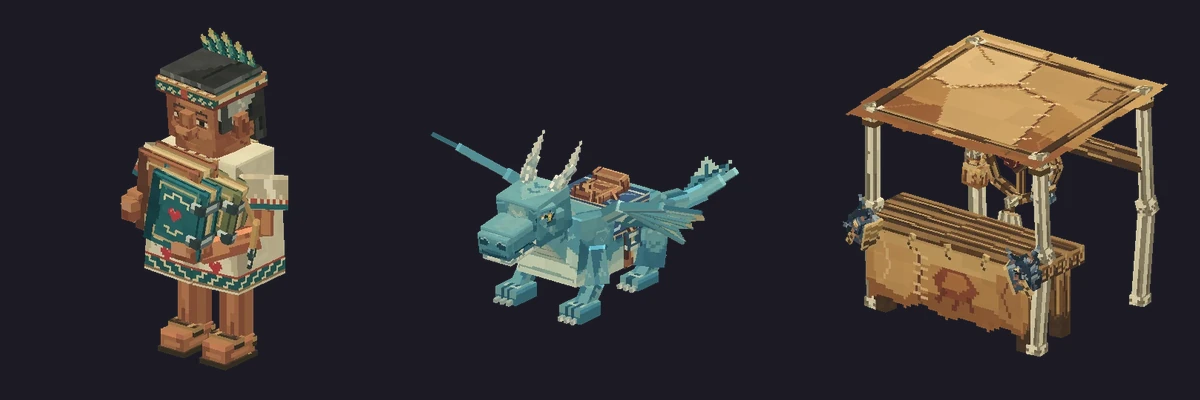
The short answer
No official AI plugin exists: Blockbench’s plugin store refuses generative AI. MCP servers let an assistant such as Claude Code or Codex work in your open project, skills tell it which tools to use, and generators such as Myrlin Studio build a model you open in Blockbench.
On this page8 sections
Why the plugin store has no AI plugin
Blockbench has no built-in AI generator, and its plugin repository refuses one: “Plugins that utilize generative AI are not accepted into this repository but may be shared externally.” Plugins with AI-generated art are refused too.
On 24 November 2026
151
plugins in the official registry
0
of them generate models or textures with AI
45
GitHub repositories matched “blockbench mcp”
636
stars on the most used MCP plugin
The three kinds of AI tool
| Kind | What it does | Where it runs |
|---|---|---|
| MCP server | An assistant operates the editor for you. | Your computer, desktop Blockbench open |
| Agent skills | Tell the assistant which tools to use. | Your AI coding tool |
| AI model generator | Builds the textured model for you. | A browser |
MCP servers: an assistant inside Blockbench
MCP, the Model Context Protocol, lets AI apps use outside tools. A Blockbench MCP server exposes editor actions, so your assistant (Claude Code, Codex, Cursor) can add cubes, paint, rig and keyframe your open project.
Blockbench MCP by jasonjgardner
The most used: jasonjgardner/blockbench-mcp-plugin (opens in a new tab), GPL-3.0, updated in November 2026.
- Step 1
Load the plugin
In desktop Blockbench, choose Load Plugin from URL and paste:
File, then Plugins, then Load Plugin from URL
https://jasonjgardner.github.io/blockbench-mcp-plugin/mcp.js - Step 2
Check the address
MCP Server Port and MCP Server Endpoint set it; the default is
http://localhost:3000/bb-mcp.Settings, then General
- Step 3
Connect your AI tool
Claude Code: the command below. Codex:
codex mcp add blockbench --url http://localhost:3000/bb-mcp. The README covers VS Code, Claude Desktop, Cline, Antigravity, Ollama and OpenCode.claude mcp add blockbench --transport http http://localhost:3000/bb-mcp - Step 4
Start small
With a project open, ask for one named cube before a whole model.
A second, headless server edits, validates, converts and renders .bbmodel files without Blockbench; each agent runs its own copy while you edit. It touches only its required --root folder.
npx -y github:jasonjgardner/blockbench-mcp-plugin --root ./modelsBlockbench MCP by sosadly
sosadly/blockbench-mcp (opens in a new tab): MIT, 93 stars, and 86 tools for blockout, detailing, texturing, rigging, animation and export, for Minecraft Java, Bedrock and GeckoLib models.
- Clone it; run
npm install && npm run build. - Load
plugin/blockbench_mcp.jsvia File > Plugins > Load Plugin from File. - Register the built server with your AI tool.
BlockBenchMCP by RenasDemirbas
RenasDemirbas/BlockBenchMCP (opens in a new tab): GPL-3.0, 48 stars. Each assistant step lands in the undo history, so Ctrl+Z undoes it. It exports Bedrock, Java, OptiFine and glTF, plus Hytale .blockymodel and .blockyanim with the Hytale Models plugin.
Agent skills for Blockbench
Skills are instruction folders an AI coding tool loads when needed; they say which MCP tools to use, in what order. The sample workspace jasonjgardner/blockbench-mcp-project (opens in a new tab) installs as a Claude Code or Codex plugin that registers its MCP servers and skills in one go.
claude plugin marketplace add jasonjgardner/blockbench-mcp-project
claude plugin install blockbench-mcp@blockbench-mcp-project --scope usercodex plugin marketplace add jasonjgardner/blockbench-mcp-project --ref codex
codex plugin add blockbench-mcp@blockbench-mcp-projectAI model generators: start from a finished model
A generator builds and paints the whole model from a description or a picture; you open the result in Blockbench to change it.
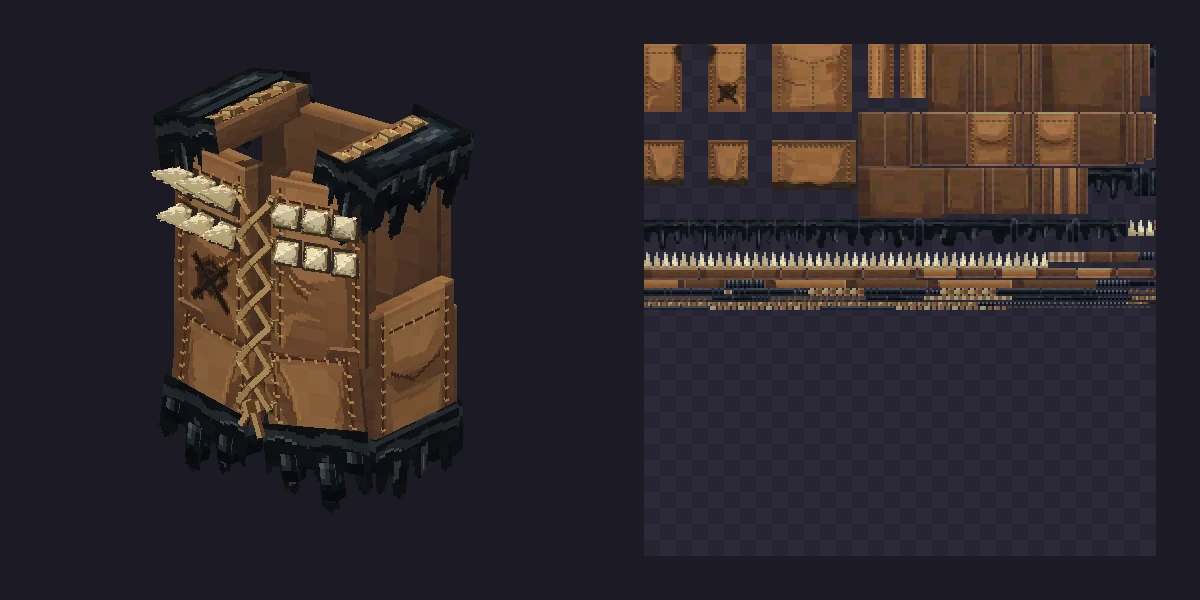
Ours is Myrlin Studio:
- Describe a model or add a picture, review the credit price, and get a cube-based model with a painted PNG texture.
- Every model has a .bbmodel download; the native build adds a Hytale .blockymodel and its texture.
- Builder v2.0 averages about 4 to 7 minutes; move parts and repaint in the browser Workbench before downloading.
- New accounts get free credits; AI models for Blockbench shows an example with its files.
- It never runs inside Blockbench or operates your editor; generation runs on our servers, and our Blockbench plugin, Myrlin’s Tools, only inspects and edits geometry.
Text-to-3D services export triangle meshes such as GLB, which the glTF Importer plugin opens as a Generic Model in desktop Blockbench. A mesh is not a cube model: Blockbench says such models “cannot be loaded into games that need specialized formats, such as Minecraft”. We compare generators with sources.
Which one to pick
- You like Blockbench and want help with blockout, painting or keyframes: an MCP server.
- You would rather edit than build: a generator, then the .bbmodel.
- Both: generate, then edit the .bbmodel with an MCP assistant or by hand.
Questions
- Is there an official Blockbench AI plugin?
- No: its plugin repository does not accept generative AI plugins (they may be shared externally), and Blockbench has no built-in generator.
- What is Blockbench MCP?
- A plugin giving Blockbench a Model Context Protocol server, so an assistant can use the editor. Several share the name; the most used, jasonjgardner/blockbench-mcp-plugin, listens at http://localhost:3000/bb-mcp.
- Does Blockbench MCP work in the Blockbench web app?
- Use the desktop app; the install steps name it.
- Can Codex or ChatGPT make Blockbench models?
- Codex can, through a Blockbench MCP server. ChatGPT and Codex can also use Myrlin Studio’s MCP server, which builds on our servers and returns the files and how to open them.
- Are these tools free?
- The MCP projects are open source (GPL-3.0 or MIT); your assistant may need a paid plan. Myrlin Studio gives new accounts free credits.
Sources
- Blockbench plugin repository: submission rules (opens in a new tab): The rule on generative AI plugins and AI-generated art.
- Blockbench plugin registry (plugins.json) (opens in a new tab): 151 plugins on 24 November 2026.
- jasonjgardner/blockbench-mcp-plugin (opens in a new tab): Install steps, the headless server and the security section.
- jasonjgardner/blockbench-mcp-project (opens in a new tab): The sample workspace, Claude Code plugin and skills.
- sosadly/blockbench-mcp (opens in a new tab)
- RenasDemirbas/BlockBenchMCP (opens in a new tab)
- Blockbench source: interface text (opens in a new tab): The plugin loading prompt and the Generic Model format note.
Facts checked on .
Guides and pages