What you can make in Myrlin Studio today
Where Myrlin Studio stands right now: what you can make, from a sentence or a picture to a model you can use in Hytale or Minecraft.
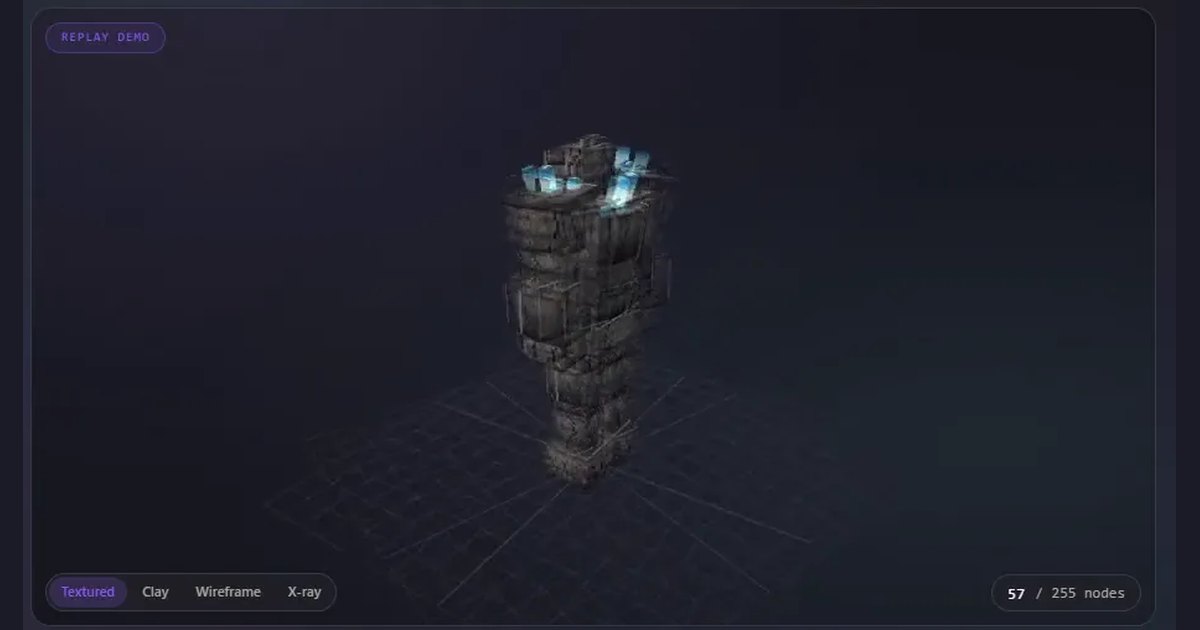
Here’s where things stand. Almost everything in this post works on every account today, free or paid. The one exception is adding members’ models, which needs a Creator plan.
From a sentence or a picture to a model
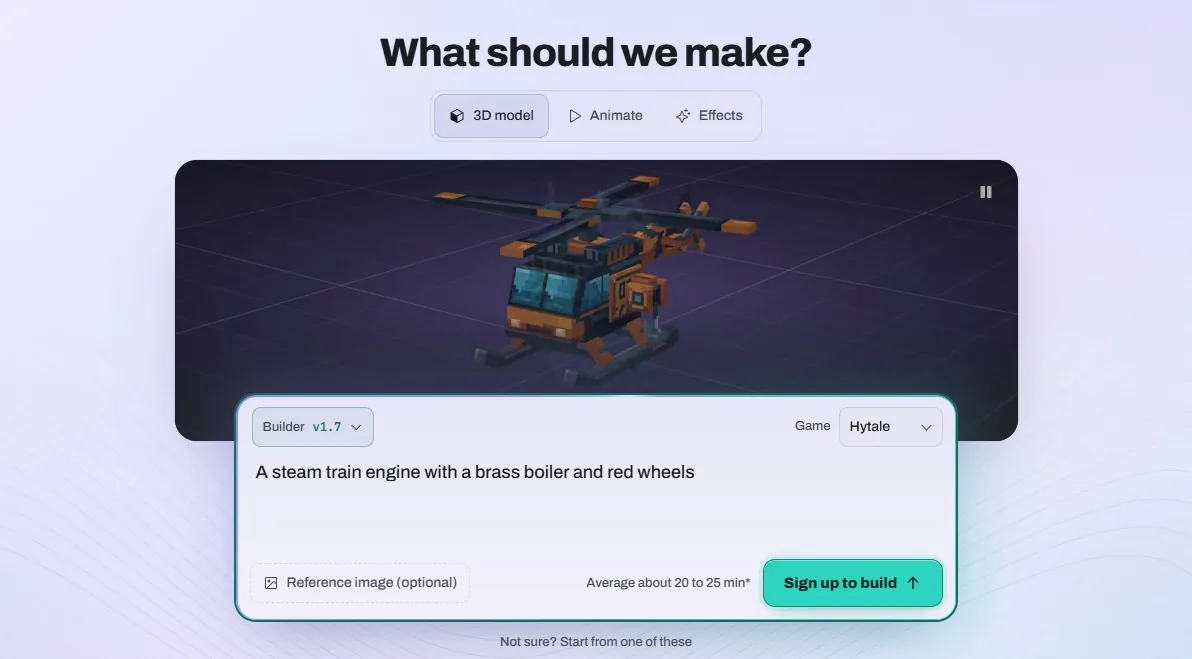
Open Create, describe what you want and pick Hytale or Minecraft. Got a sketch or a reference picture? Add it. Myrlin Studio designs it, builds the model, paints the texture, reviews it and packages it, and then it lands in My assets.
A model costs 15 credits, and you’ll see the price before you confirm. You don’t have to keep the tab open while it builds.
Take it into your game
Every model you make downloads for Hytale, for Minecraft Java, or as a file you can keep working on in Blockbench.
Hytale pack
One ZIP that goes straight into Hytale’s Mods folder, still zipped. It’s got the model, its texture, the animation clips you saved and your effects, all converted for Hytale.
Hytale pack guideMinecraft Java
A resource pack, a data pack that plays the animations without mods, or a finished mod for Forge, NeoForge or Fabric. Myrlin Studio checks which of these fit your model. Bedrock isn’t supported yet.
Minecraft guideBlockbench
The .blockymodel and its PNG texture, or one .bbmodel for a Minecraft model, so you can open it in Blockbench and keep working.
Download choices
Make it move
The Animate and Effects tabs in Create work on any model you’ve saved. Describe the movement, like a slow sway that loops, or the effect, like frost drifting off a blade. You’ll see the quote before anything’s charged, and the result saves as a new version of the model.
Fix things by hand
The Editor is a block model editor that runs in your browser. Open one of your models, a file from your computer, a blank model or the Rock Titan demo, then move, add, remove and paint boxes, and play the animations.
Free models, and models made by members
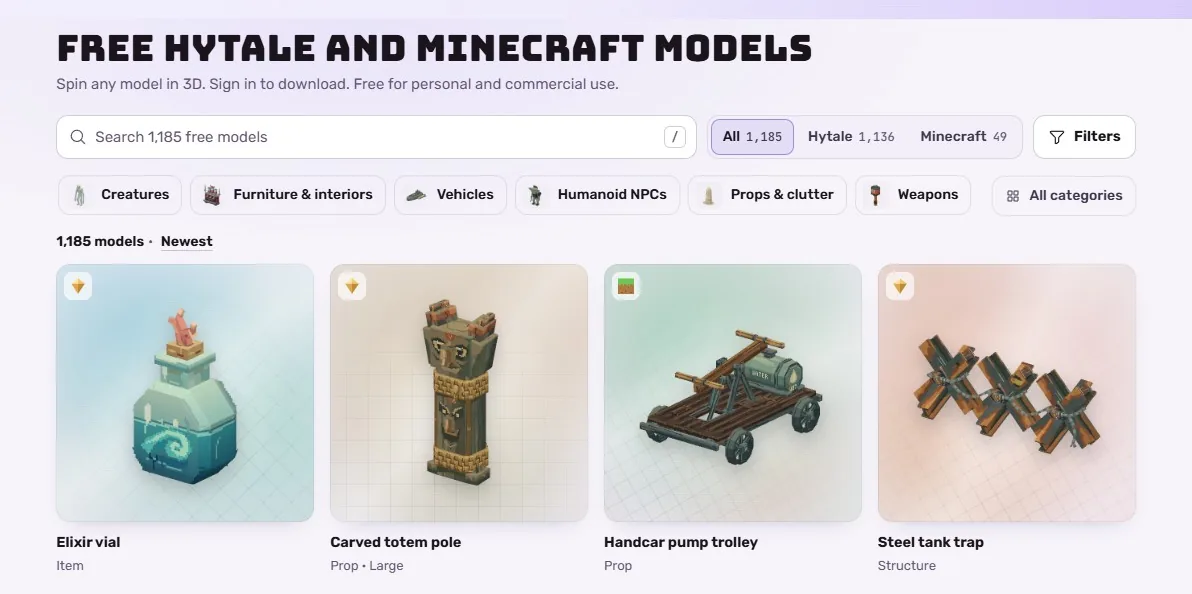
Free models is the Archive, our own collection of more than a thousand models for Hytale and Minecraft. Spin any of them around in 3D and sign in to download. Each week a Free account can add 3 of them, Creator 10, Pro 30 and Max as many as you like, and the count starts over every Monday. A model you’ve already added downloads again any time, and you can use them in your own projects, paid ones included.
Discover also shows models made by members. Since 4 November you can add a member’s model to your account for 6 credits. The member who made it gets 4 of them when they’re on a Creator plan or higher. You’ll need a Creator plan or higher to add members’ models, too.
Changed in early November
- NewMembers’ models: add one to your account from its page for 6 credits.
- ImprovedPlans & Credits is now called Billing. Your plan’s at the top and your credits are under it.
- ImprovedPlans now show their monthly credits and the bonus as two separate numbers, like 80 a month and +4 bonus on Creator.
- FixedNew accounts don’t see an “Unfinished purchase” box anymore the first time they open Billing.
What we’re testing
A few things are built and we’re testing them before they open to everyone: armour and other pieces your character can wear in Hytale and Minecraft, starting several builds at once from one plan, and Studio chat, where you talk to Myrlin about one model and point at what to change. We’ll post here when each one opens.
If there’s something you want us to build next, the Feedback button at the bottom right of every page sends a note straight to us.