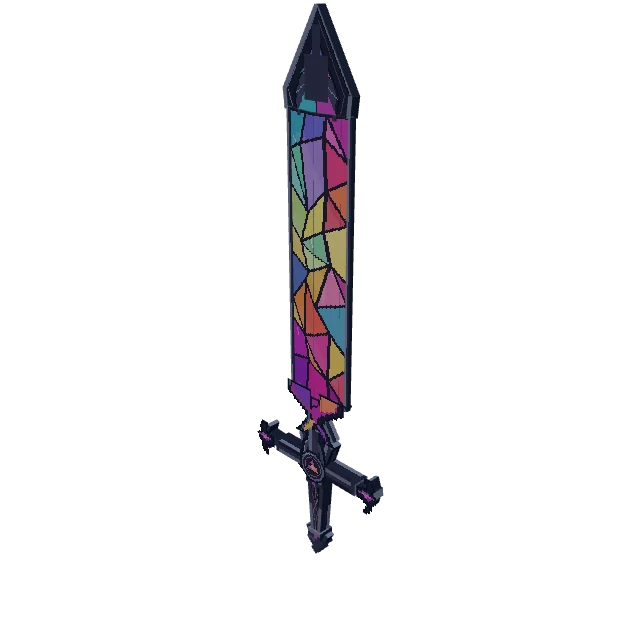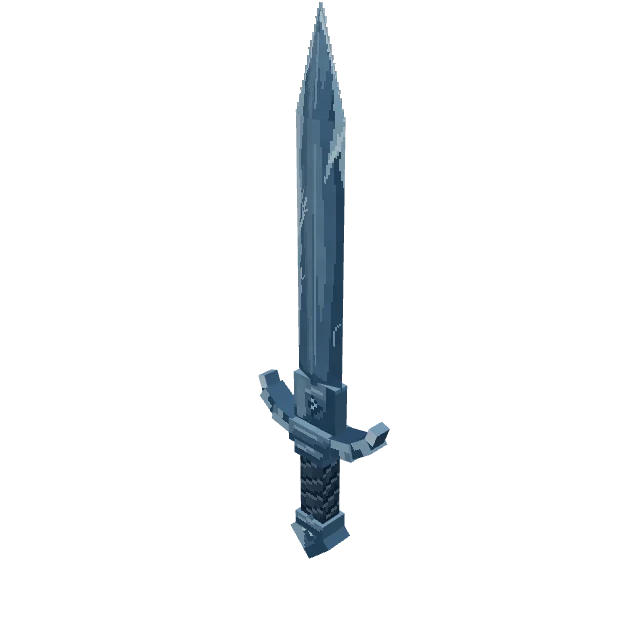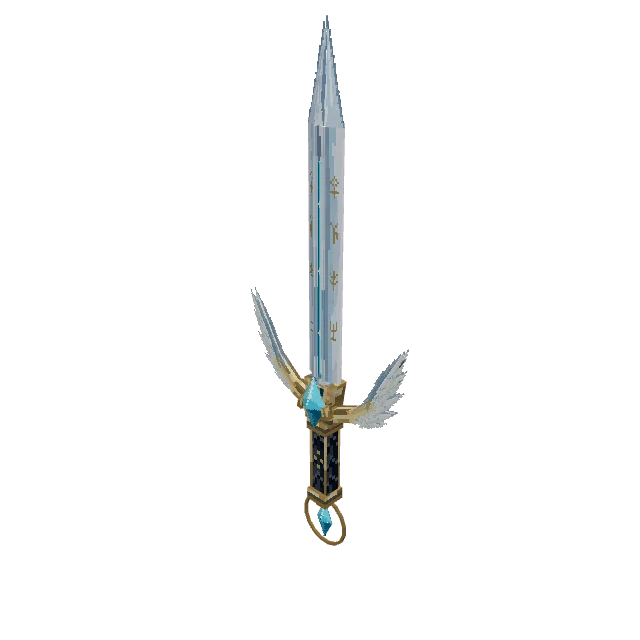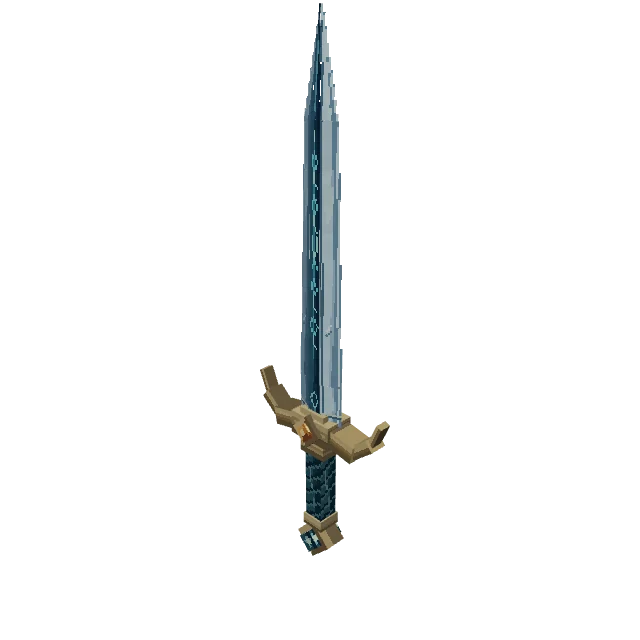
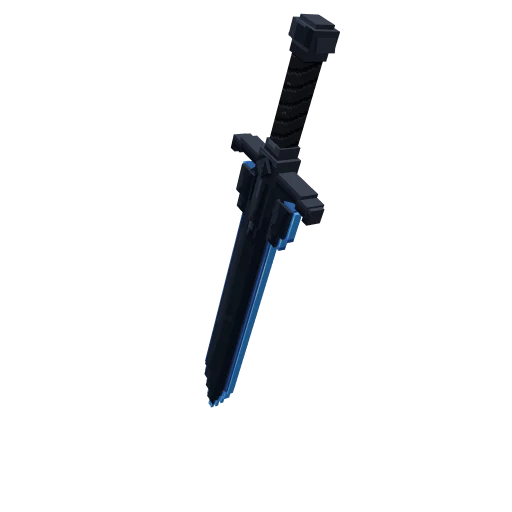
Enchanted longsword
Myrlin creator
Game
ItemAnimated
Loading 3D view
An item with 1 animation, built in about 12 minutes.
Published
6 credits
Free to use in your own projects, paid ones included. Do not resell it as a standalone asset. Not for AI training. Licence
Create something similarFrom 15 creditsMade from a picture. The picture stays private; the words that came with it are below.
Blocky Minecraft greatsword, obsidian black blade with blue edge glow, angular black crossguard, dark wrapped grip, pixel-art texture, low-poly cubes, dark fantasy item model , straight thick blade, single object, no character, plain black surface
Made with AI in Myrlin Forge. Open it in Blockbench.
Greatsword cleave
Greatsword_Cleave.blockyanim
Create one polished 1.6-second Greatsword_Cleave one-shot animation (96 frames at 60 fps) for this saved obsidian greatsword. Give it a brief deliberate wind-up, one fast diagonal cleave, a short weighted follow-through, and a controlled recovery to its exact authored rest pose. Suggested timing: rest through frame 6, anticipation to frame 24, the main cut from 24 to 42, follow-through to 58, return by 90, then hold through 96. Make the cut clearly readable in an oblique preview, with a stronger sweep than the anticipation and a slower recovery. This is one weapon strike, not an idle loop or continuous display rotation. Use only position and orientation tracks on the existing Sword node. Keep Origin fixed and move Construction and every blade, guard, grip, and pommel child rigidly together through their unchanged hierarchy. Read the actual resting quaternion and local axes before selecting rotation signs. The Sword pivot is near the weapon's middle, so combine rotation with translation compensation around the actual grip region; the weapon should read as held at its grip rather than revolving around its blade center. Use a practical diagonal stroke rather than a full revolution. Place sufficient supported linear keys for clean acceleration, deceleration, and a restrained follow-through. End with exactly zero animation deltas relative to the saved rest pose. Preserve every model, texture, material, UV, node name, and hierarchy byte. No scaling, bending, detached parts, added hands, new geometry, particles, or texture animation. Review the wind-up, cut, follow-through, and final pose from front, side, and oblique views.
In the Hytale pack and the All files ZIP; Minecraft Java converts it to an animation of its own.
Drawn from the 3D model as it stands; builds store no angle shots.